Press Kit
Current product facts, approved descriptions, downloadable brand assets, and a direct line for press questions.
Fact Sheet
Reflects the current public App Store release.
About Bunny Ears TV
Use these descriptions in your coverage.
One-liner
Bunny Ears TV turns a personal Plex library into channels you can surf on Apple TV, iPhone, and iPad.
Short Description
Bunny Ears TV is a native Apple TV, iPhone, and iPad app that turns selected Plex libraries into a cable-style program guide. It includes more than 400built-in channels across 17packages, including 26 free Basic channels, 68 Radio stations, Music Video Mixtapes on 19, and Weather on 20. Plus adds DVR, custom channels, and Ad Bumpers. It requires an existing Plex Media Server, but no separate Bunny Ears server, Docker container, or IPTV setup.
Tagline
Channel surf your own library.
Key Features
Highlight these in your coverage.
A Guide Built From Plex
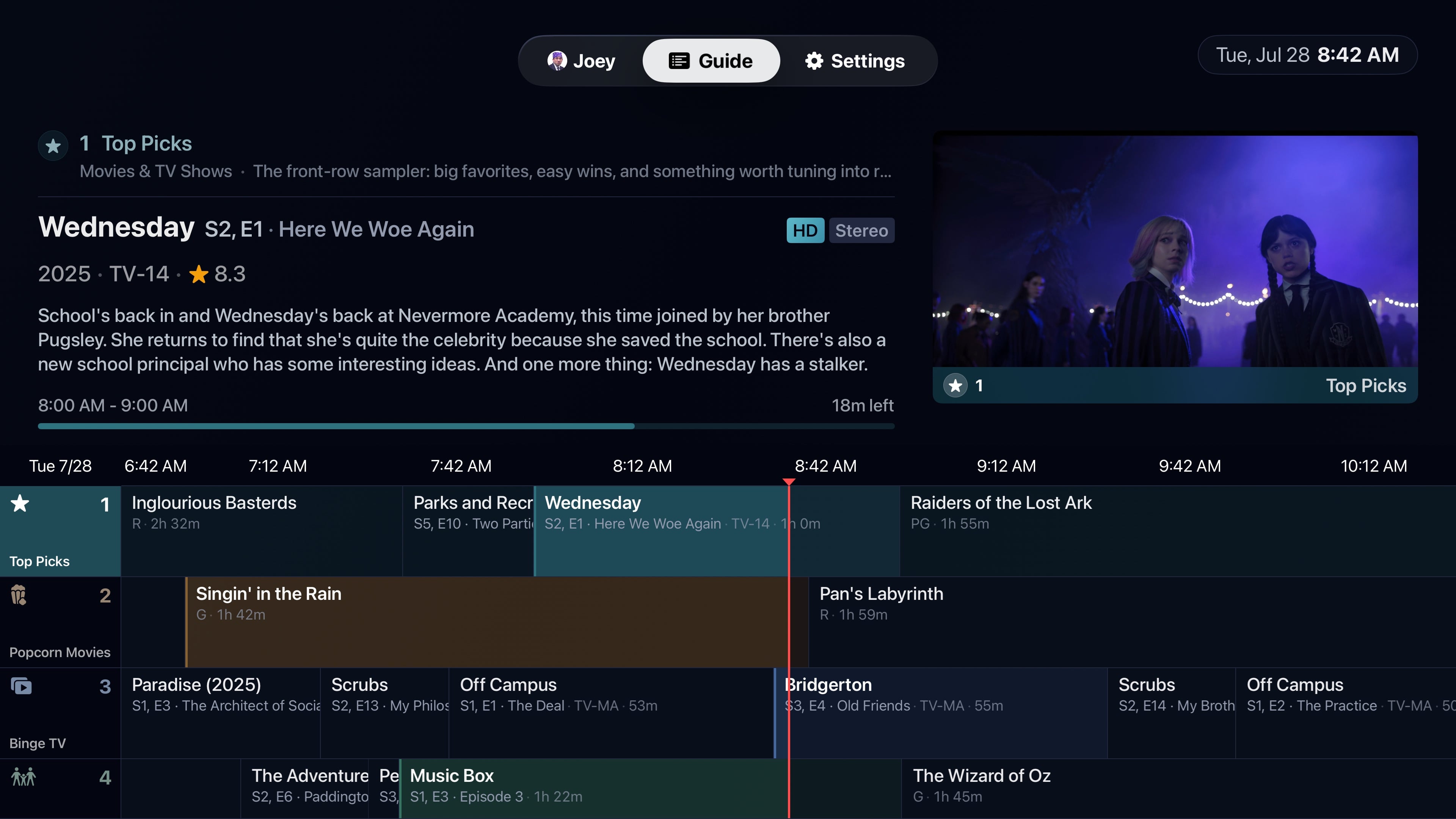
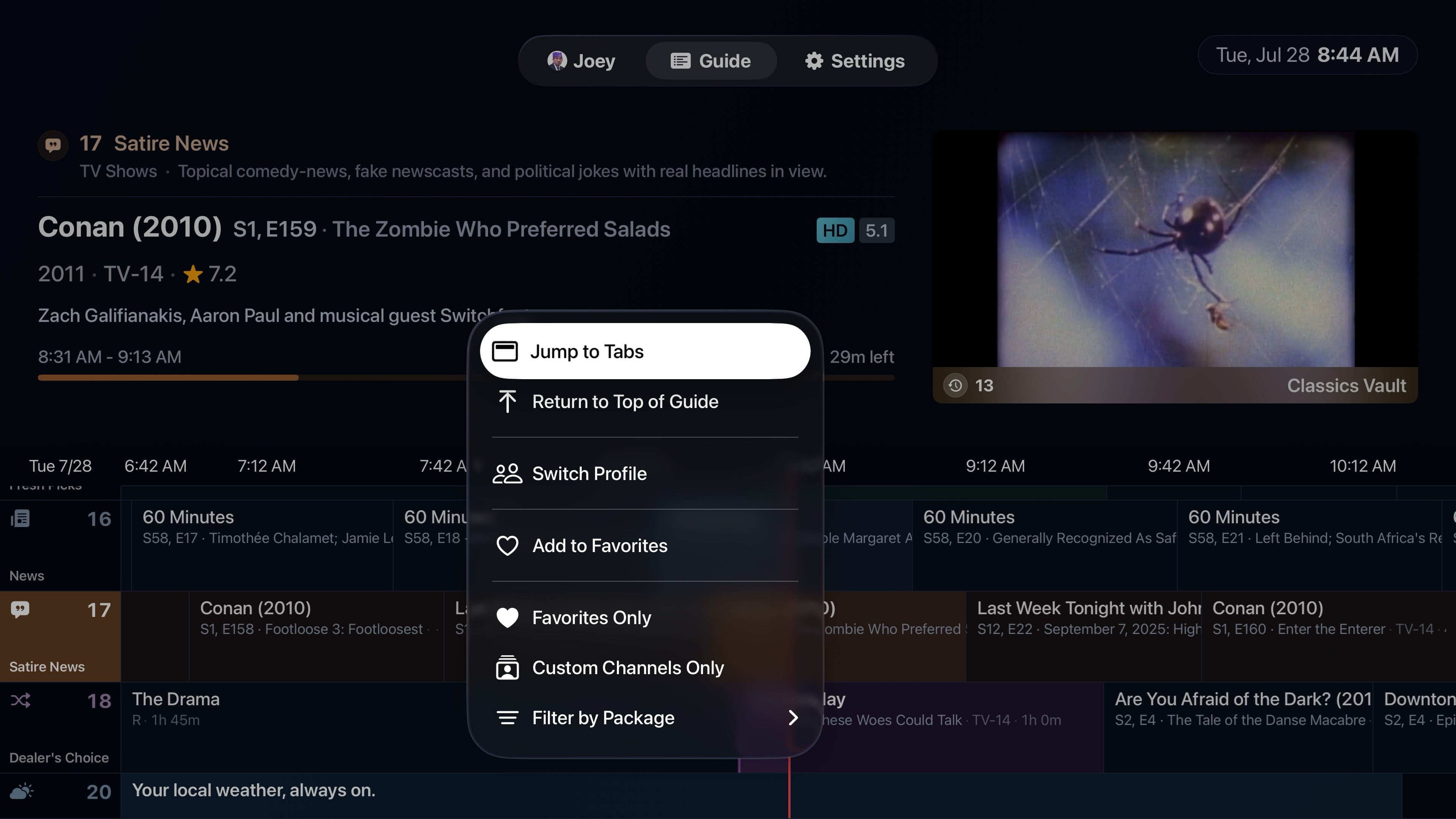
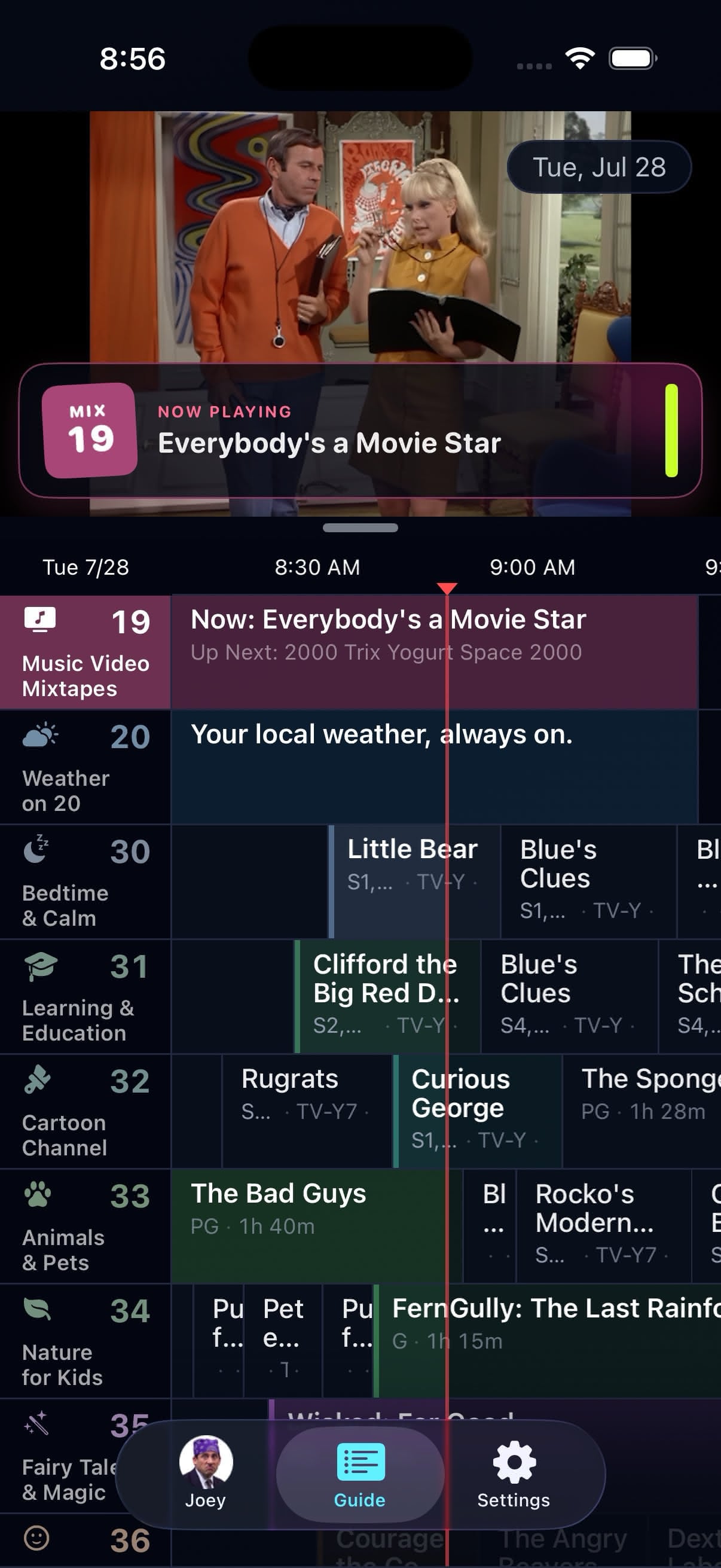
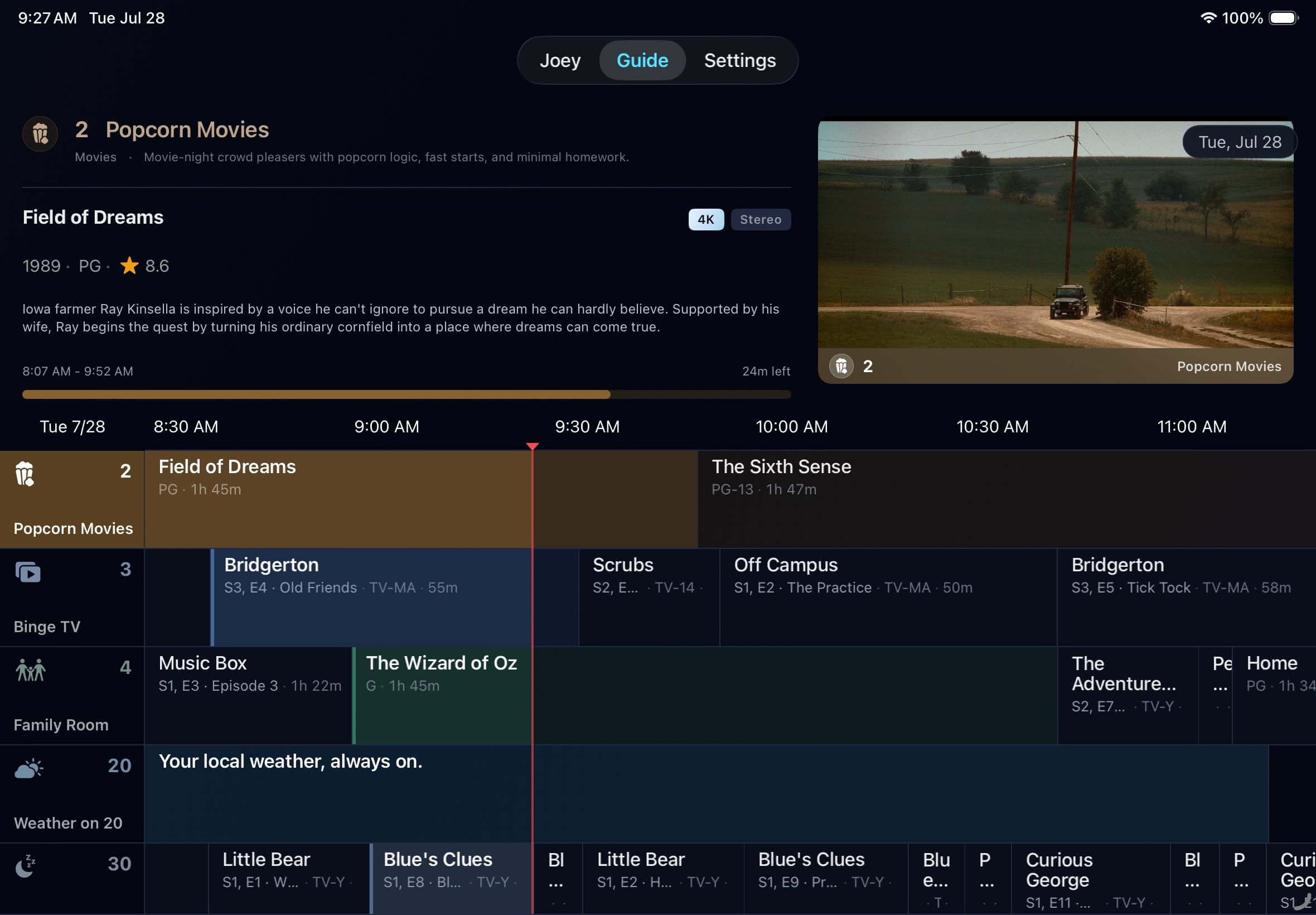
A cable-style EPG with posters, program details, a live preview, 4 hours of history, and 28 hours ahead. Tuning joins the program already in progress.
400+ Built-In Channels
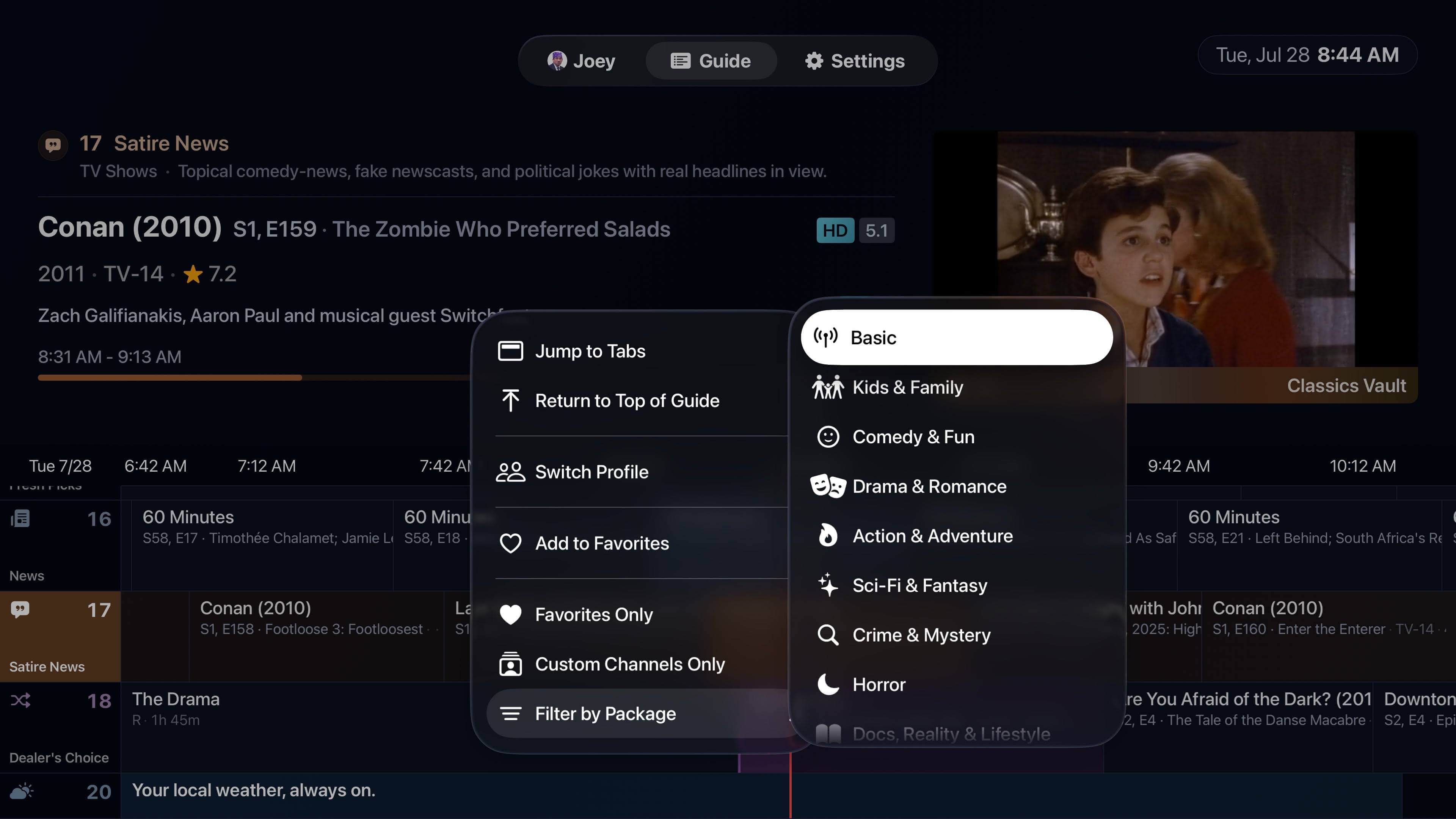
17 channel packages cover genres, eras, moods, creators, franchises, and useful library filters. The 26-channel Basic package stays free.
Native Across Apple Devices
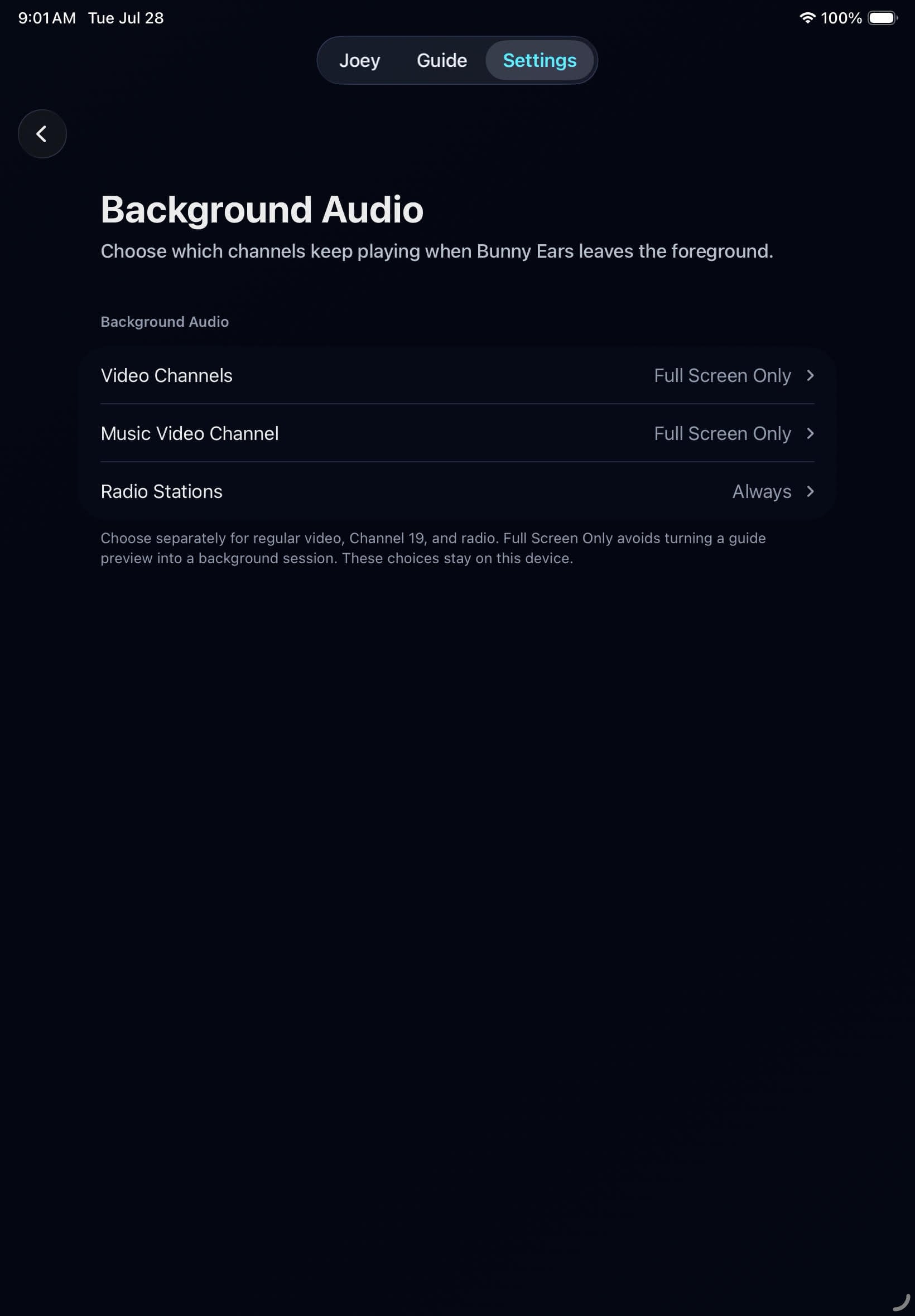
Apple TV uses the Siri Remote and focus engine. iPhone and iPad add touch controls, portrait and landscape layouts, background audio, and VoiceOver equivalents.
Channel Surfer
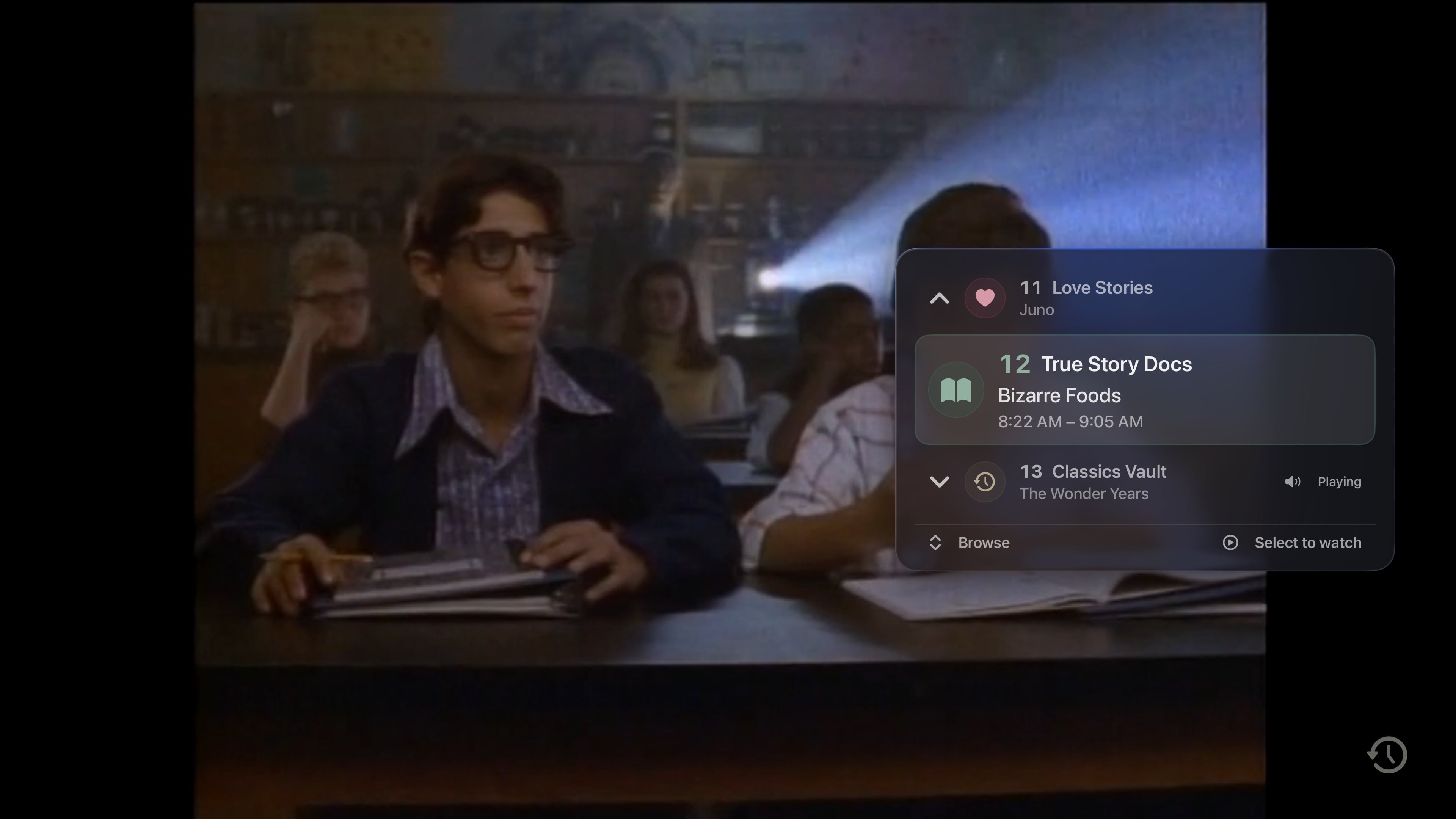
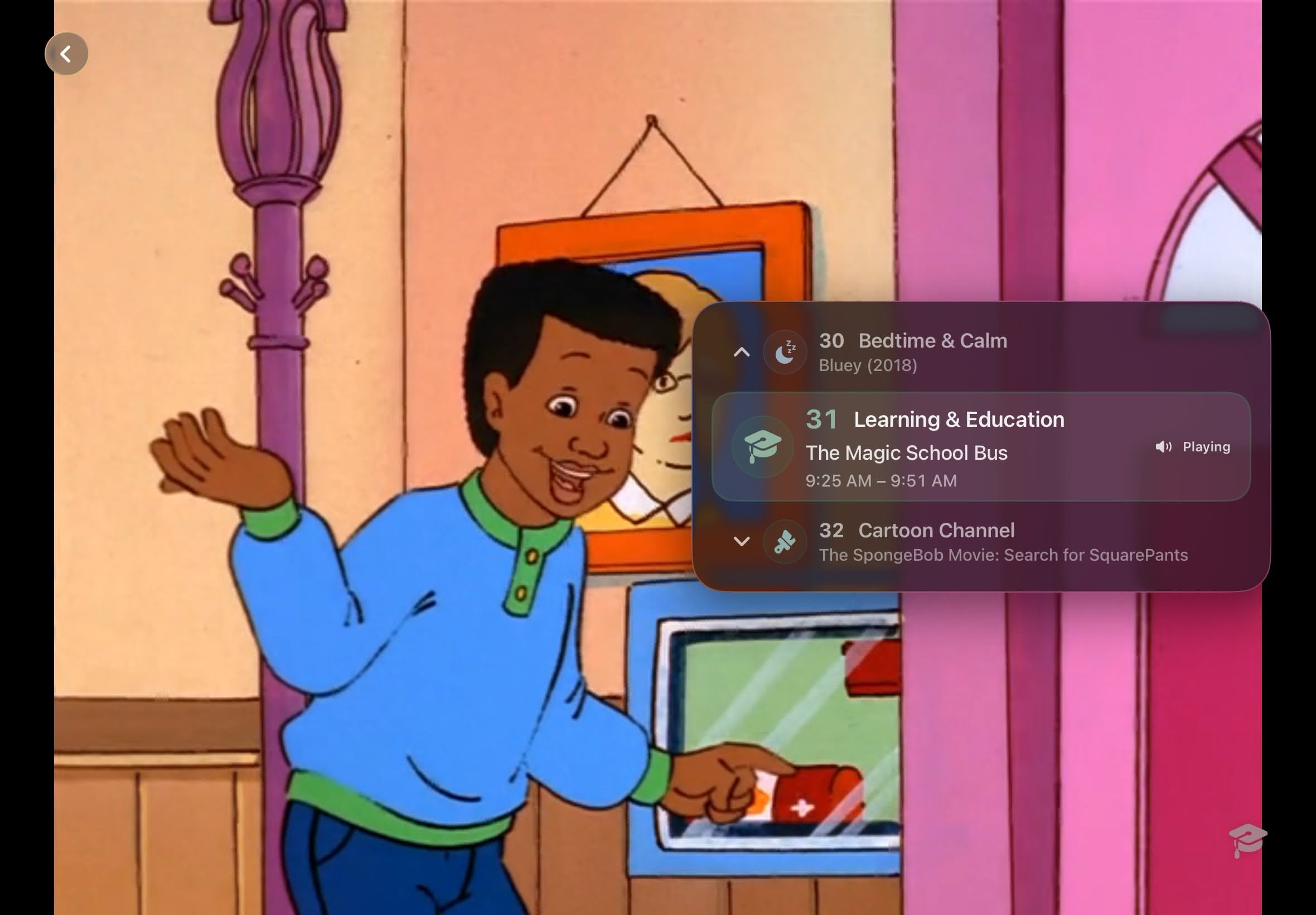
Browse the previous and next channels while the current one keeps playing. Confirm the change when ready, switch to tune-while-browsing, or turn the overlay off.
Music Video Mixtapes and Weather
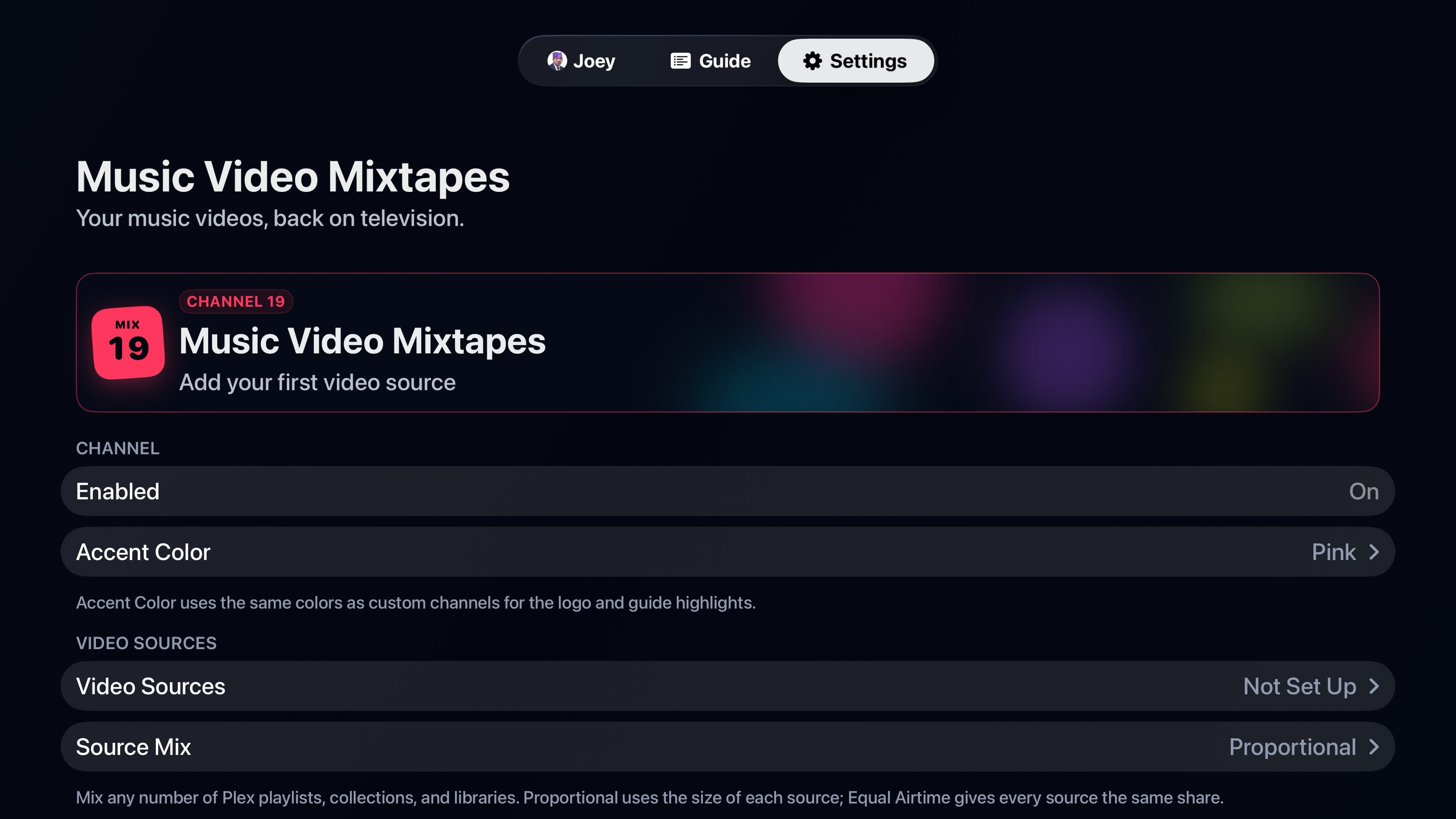
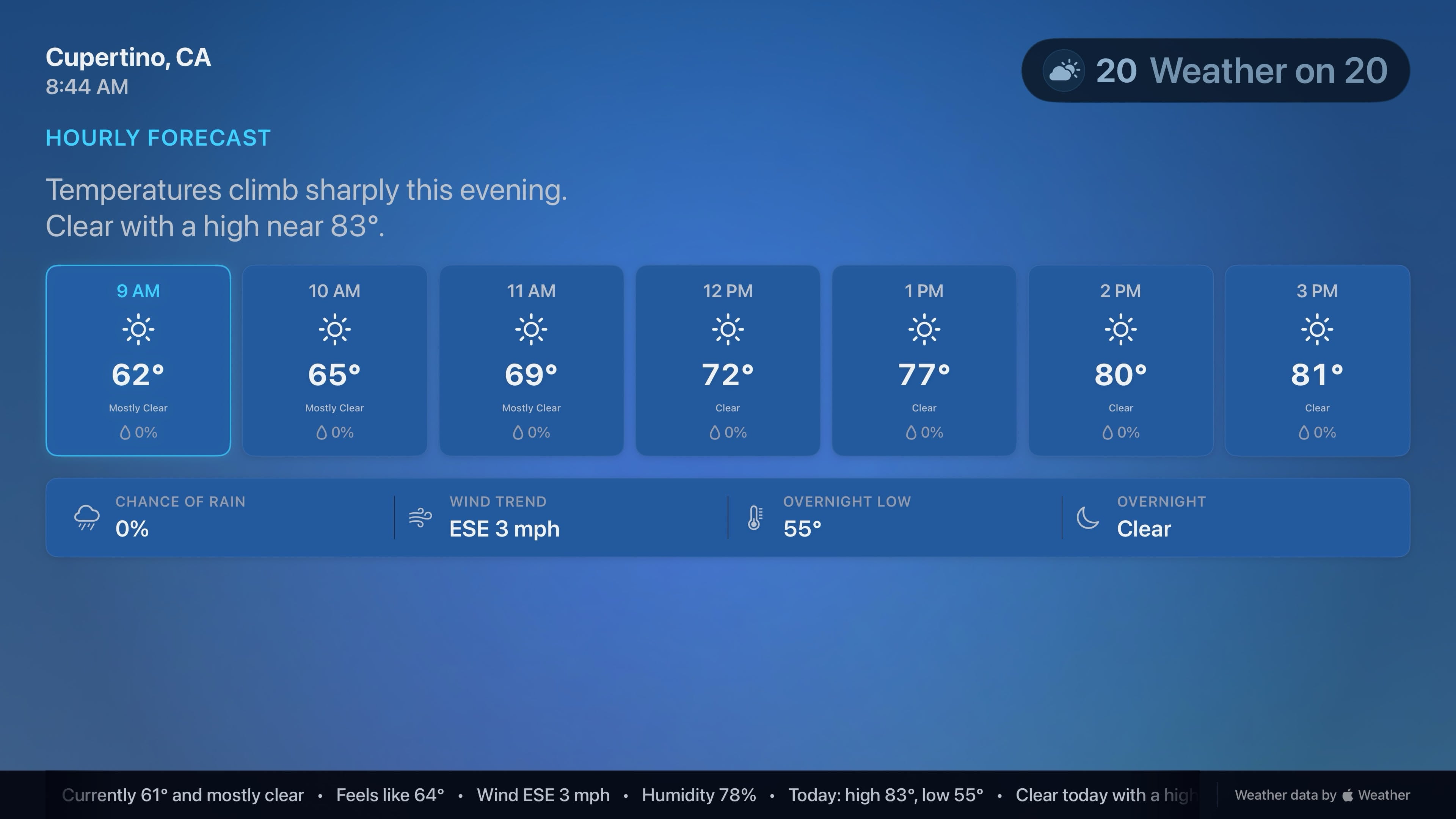
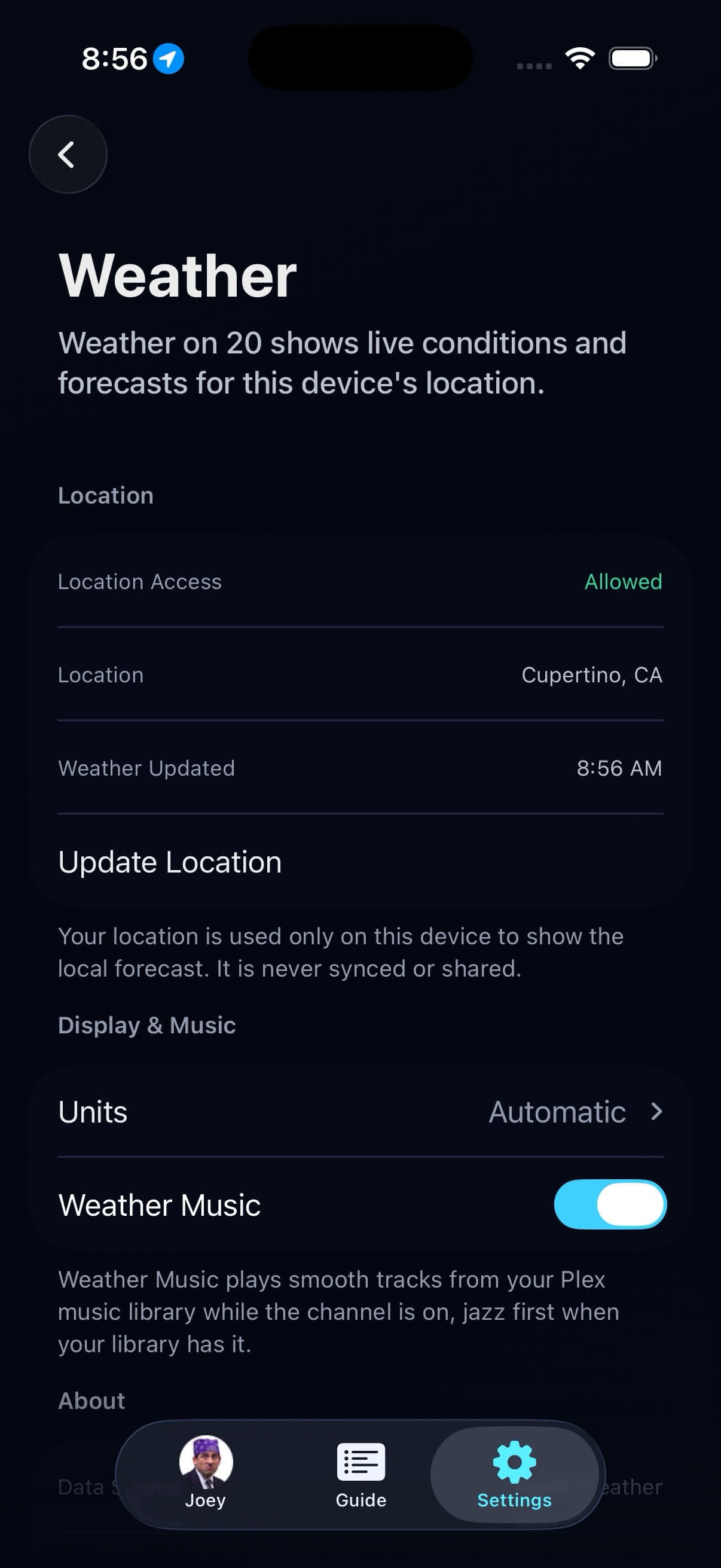
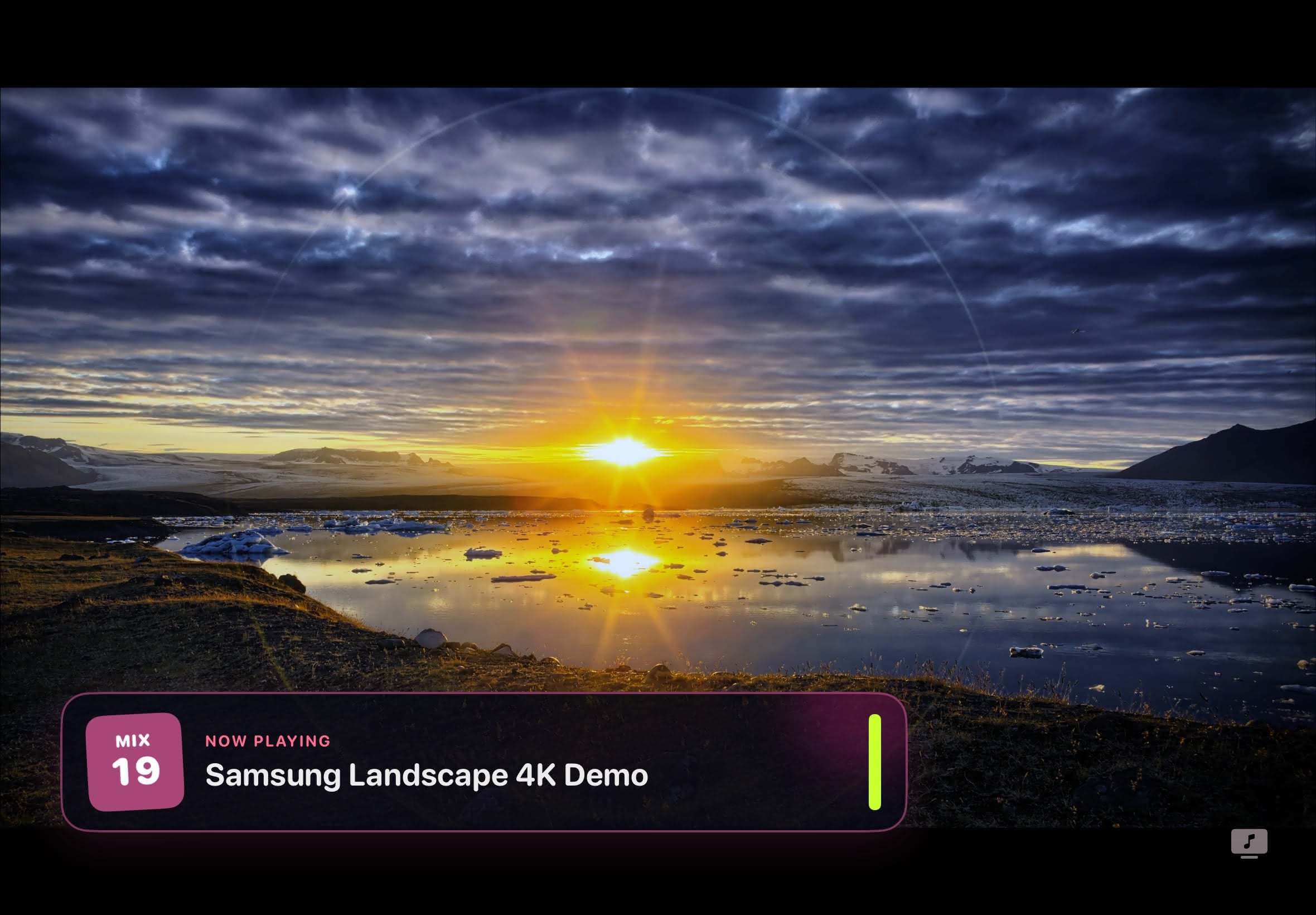
Channel 19 mixes selected Plex music-video sources with Song IDs and artist spacing. Weather on 20 shows local conditions and forecasts with optional music from Plex.
68 Radio Stations
Built from selected Plex music libraries, with album artwork, track and artist details, and separate Audio quality settings.
Plus Playback and Programming
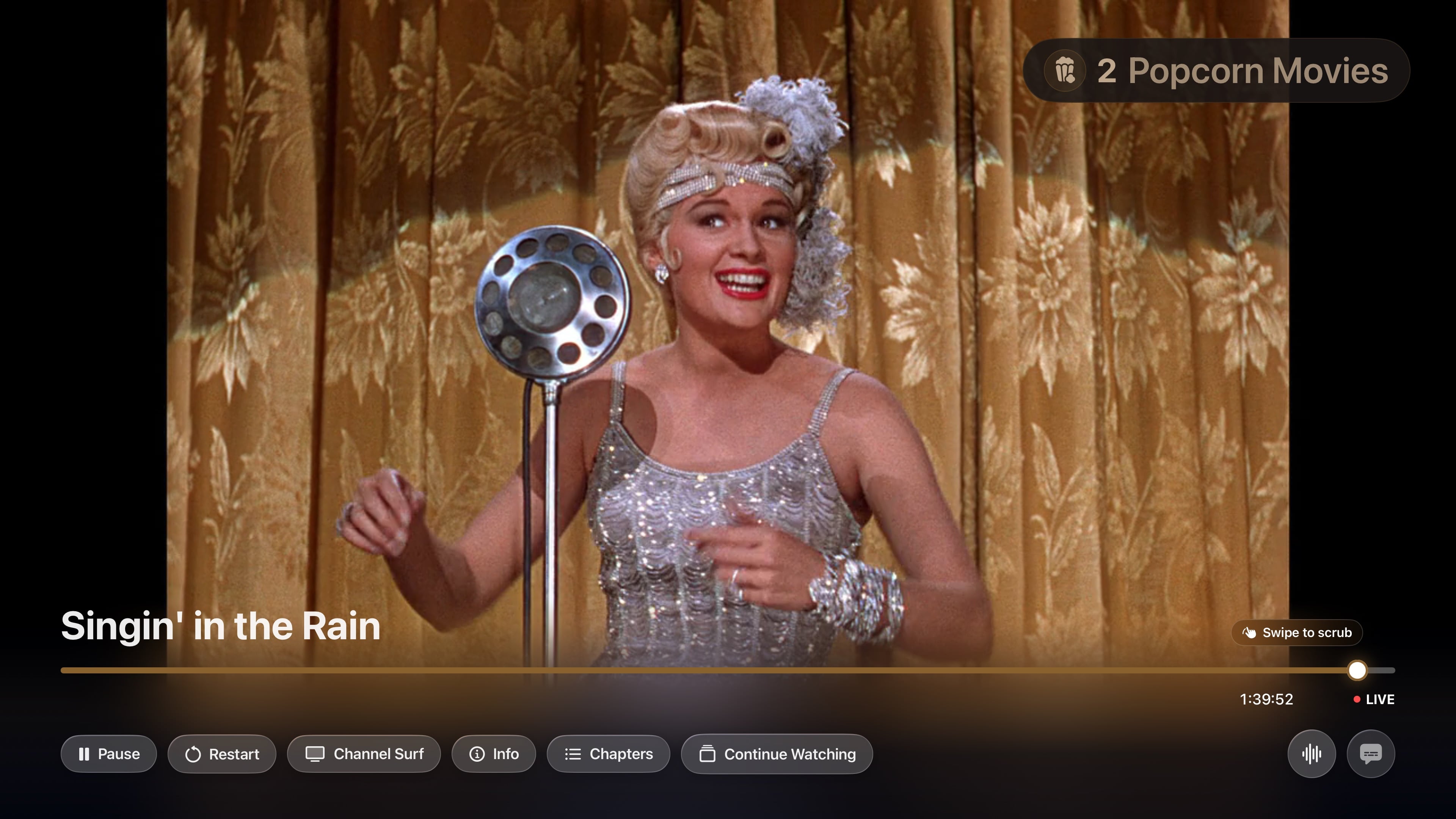
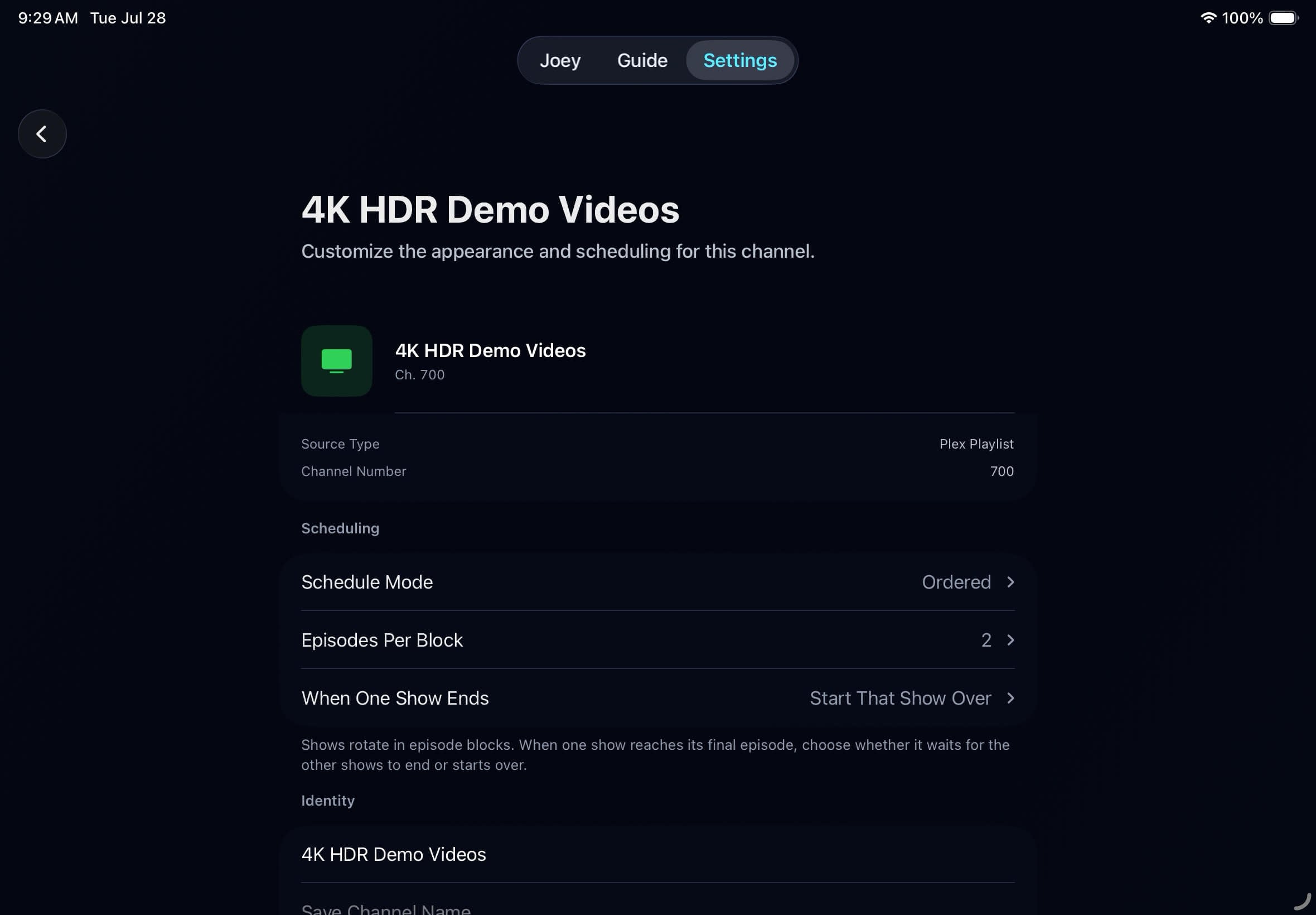
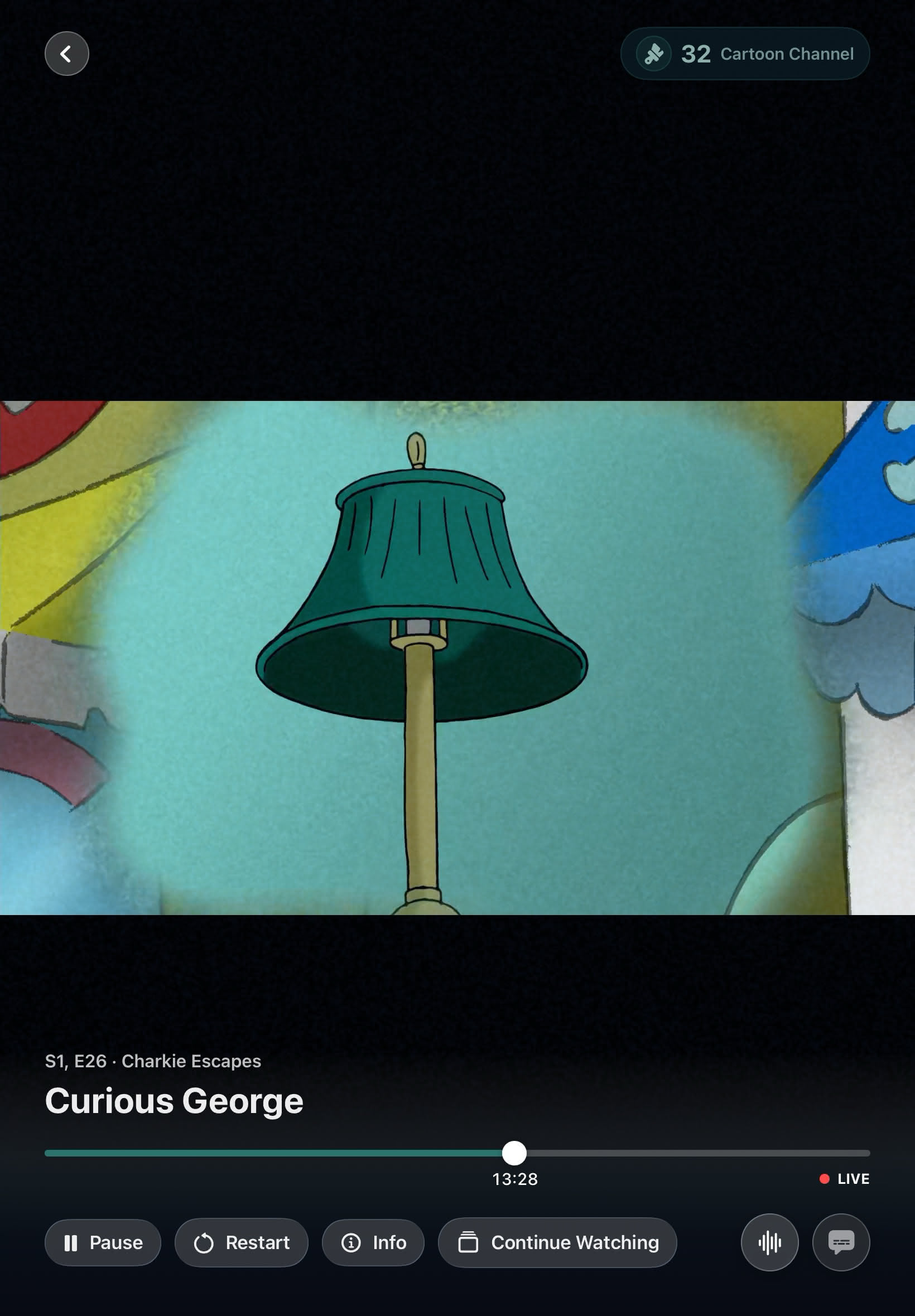
Bunny Ears TV+ adds DVR pause, 15-second skip, scrub thumbnails, Restart, and Go Live. It also includes up to 300 custom channels and user-supplied Ad Bumpers.
Profiles, Sync, and Adaptive Playback
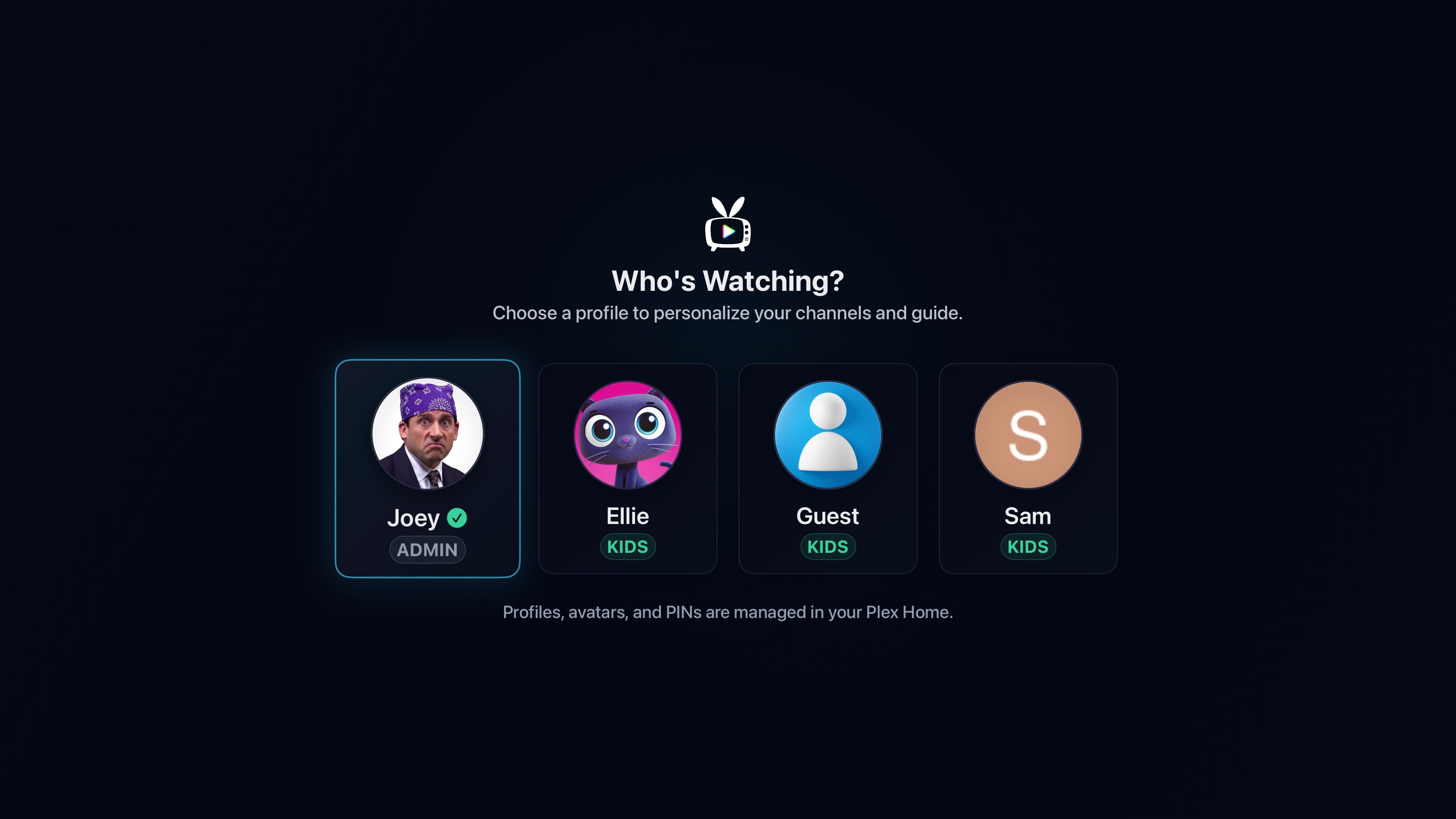
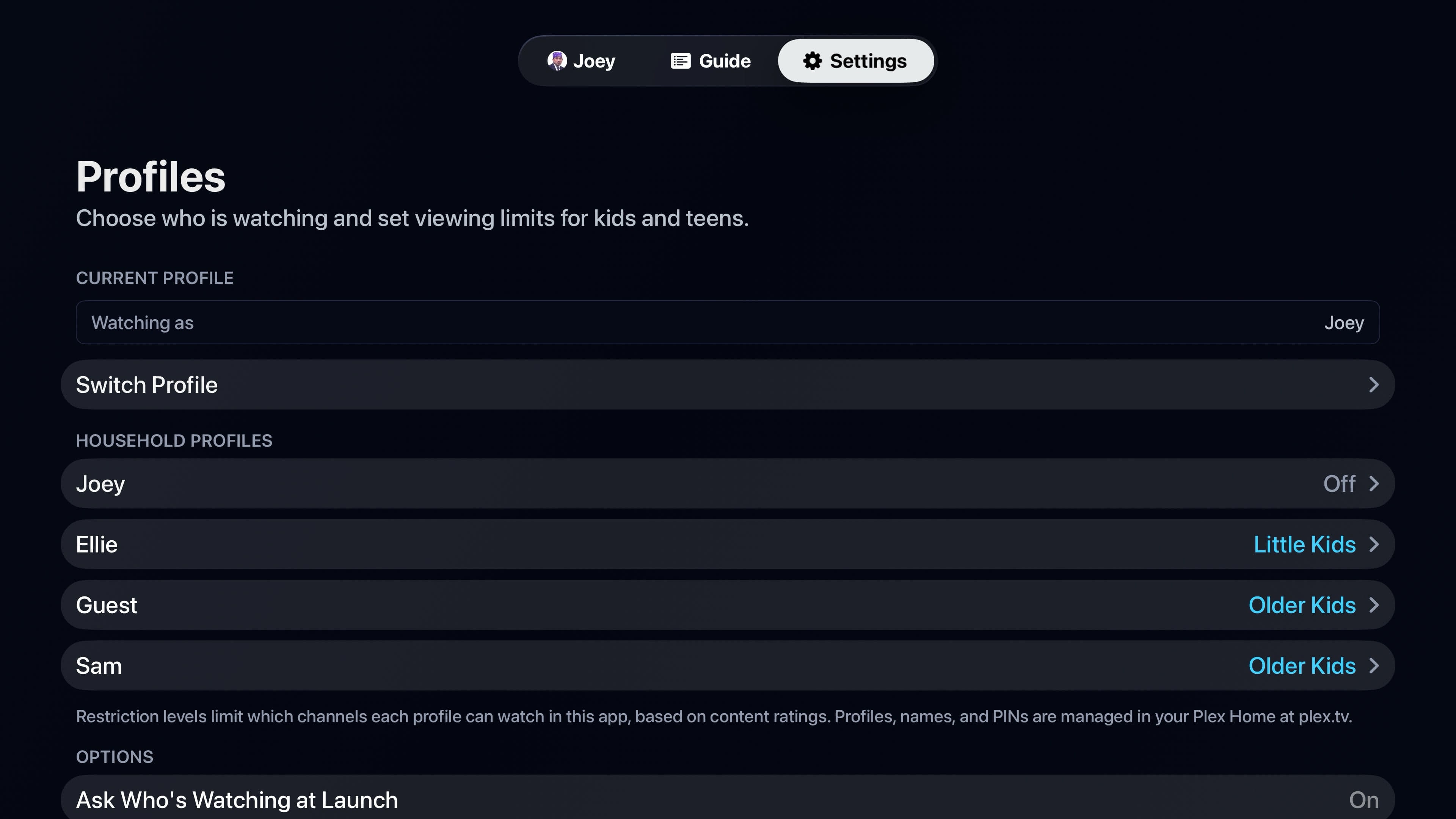
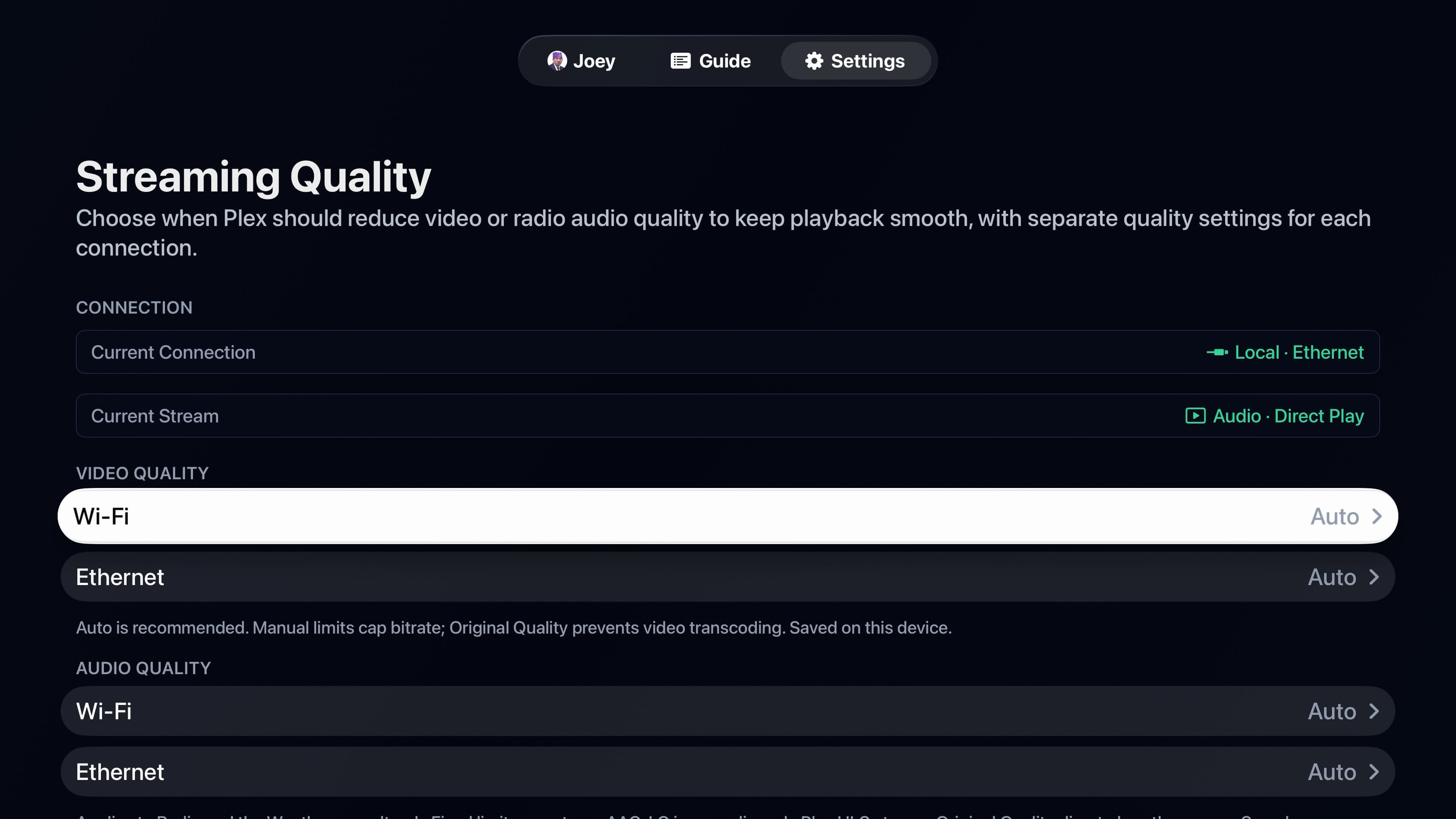
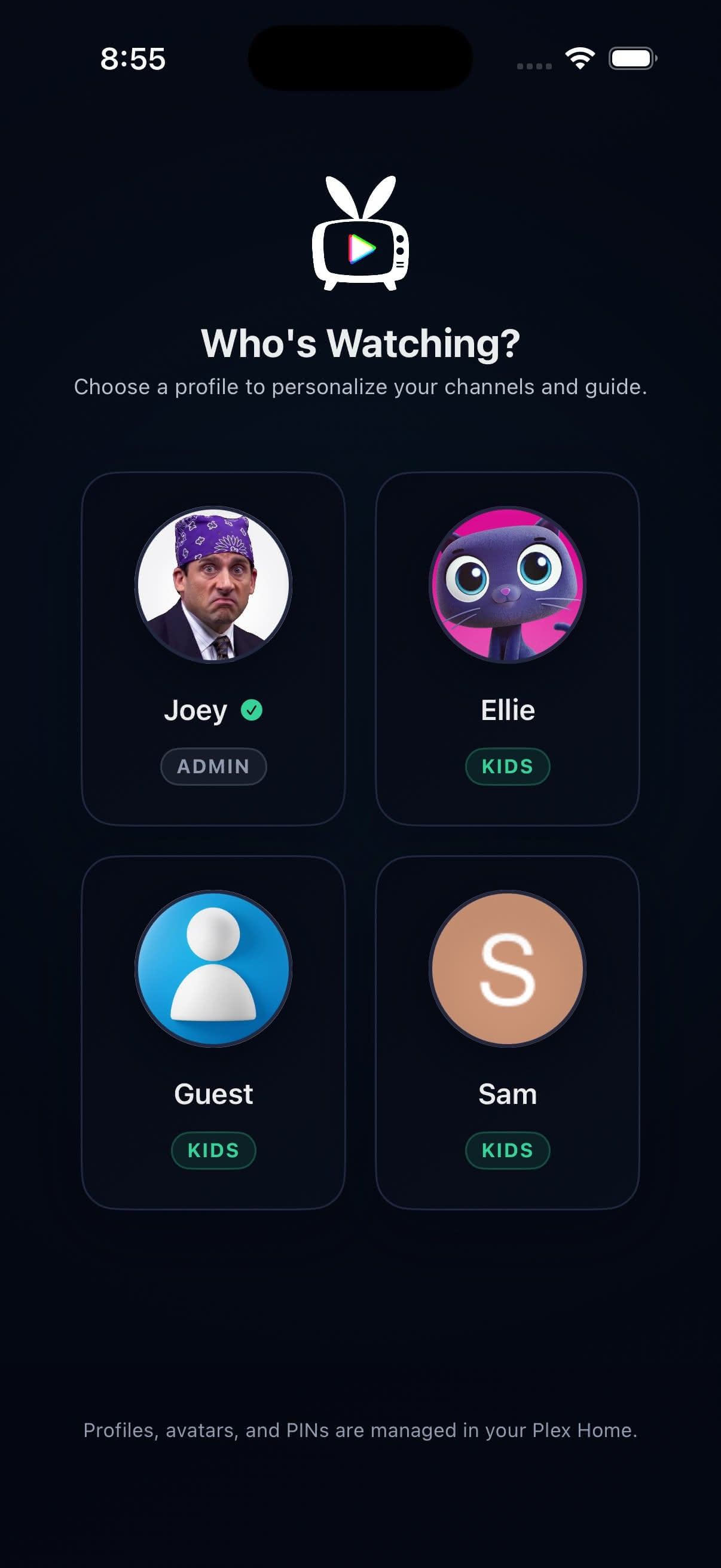
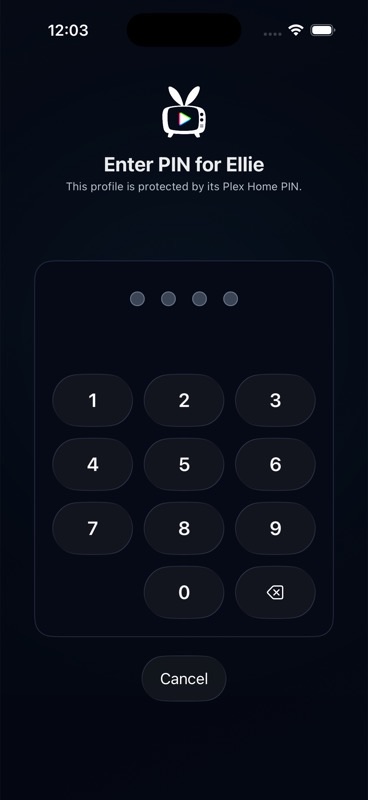
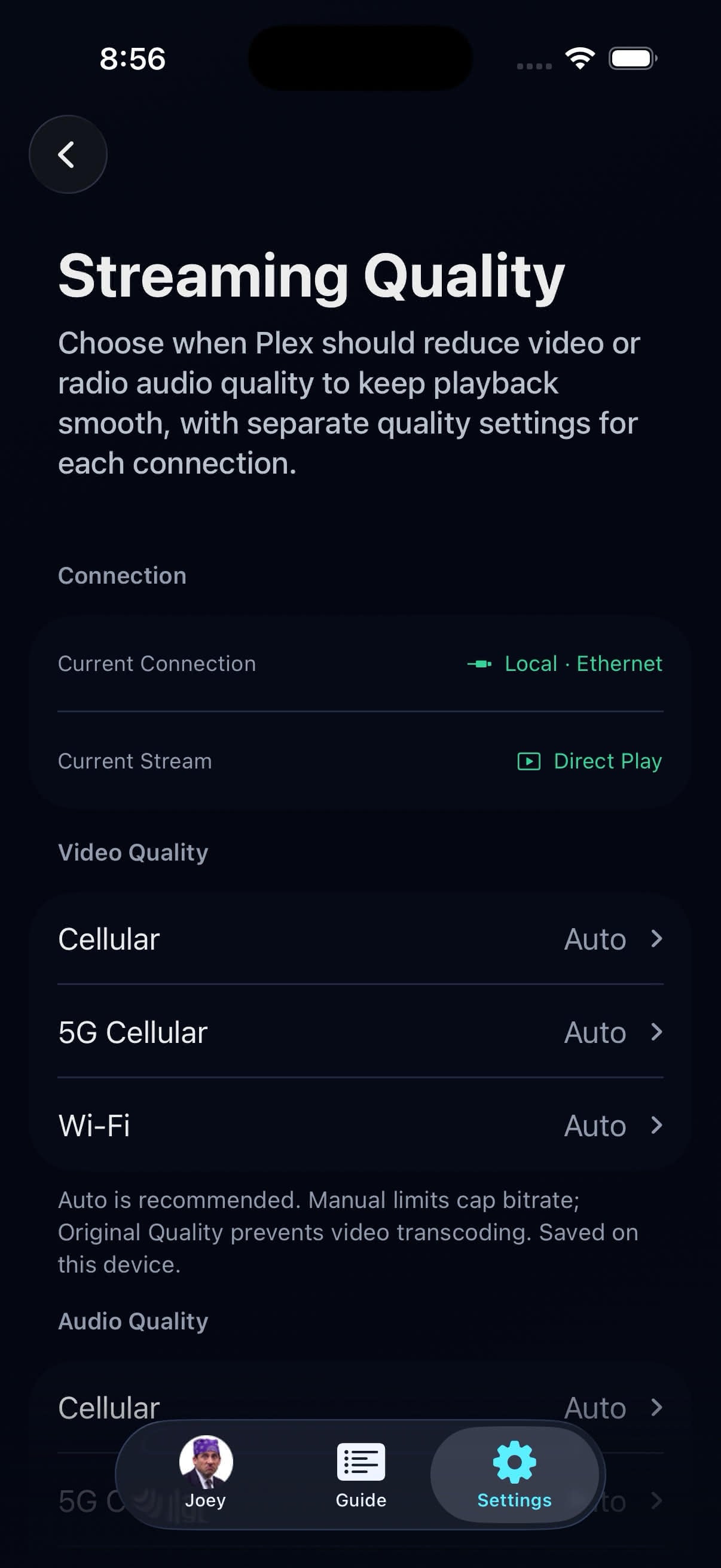
Plex Home profiles add PINs and managed restrictions. iCloud shares compatible guides and household choices, while quality stays device-local. Auto protects healthy local Direct Play and can request Plex HLS on constrained routes.
Brand Assets
Logos, colors, and guidelines for press use.
Logos
Use the logo on dark backgrounds only. Do not alter the colors, proportions, or add effects. Maintain clear space equal to the height of the bunny ears on all sides.

Brand Colors
The primary brand palette. Deep Navy is the dominant background; Broadcast Cyan is the primary accent; Live Red is used sparingly for live indicators and emphasis.
Deep Navy
#010616
Broadcast Cyan
#3FD0FF
Live Red
#FF4D4D
Signal White
#FFFFFF
App Screenshots
Current, downloadable product captures for Apple TV, iPhone, and iPad.
Current product captures
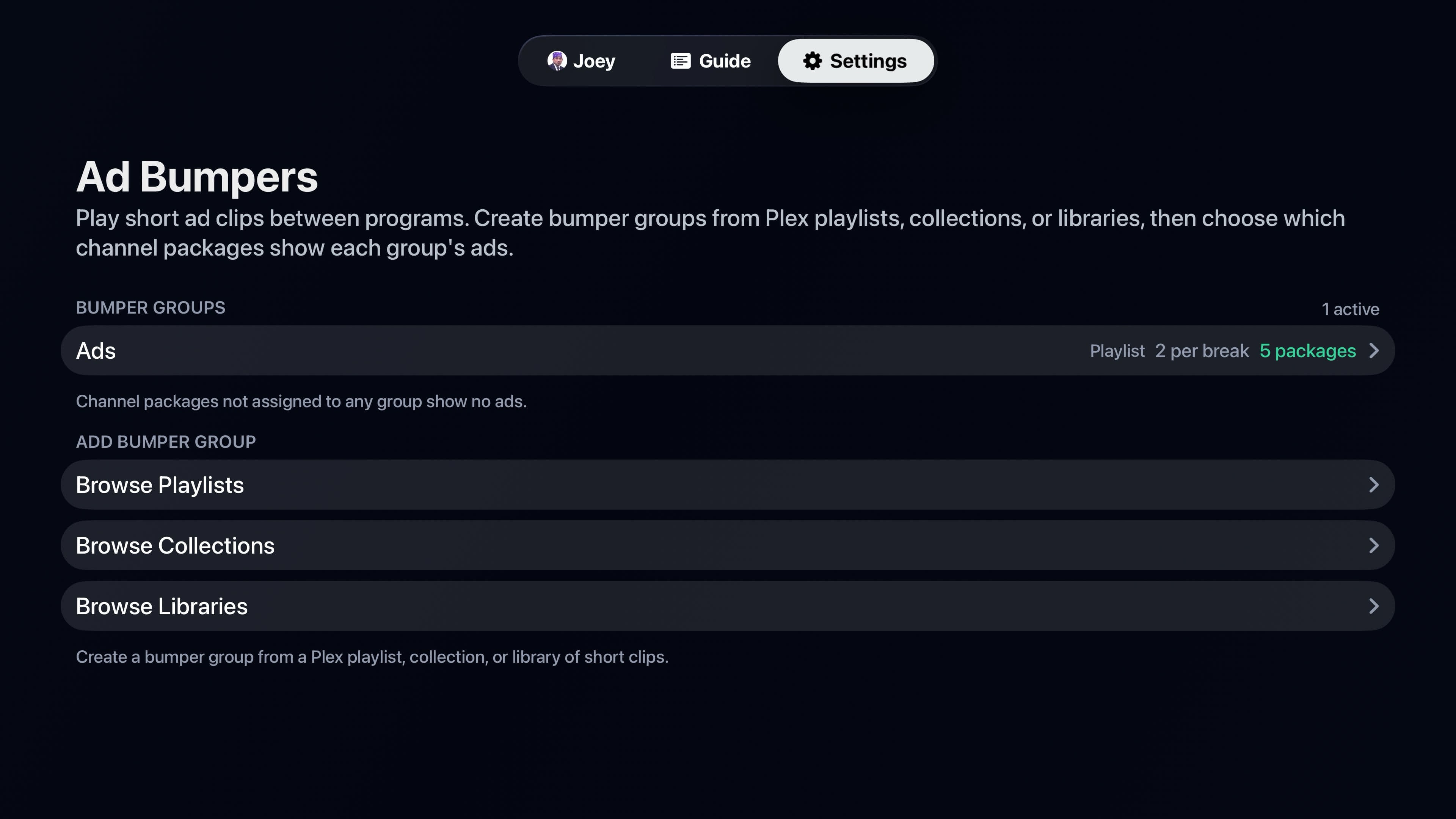
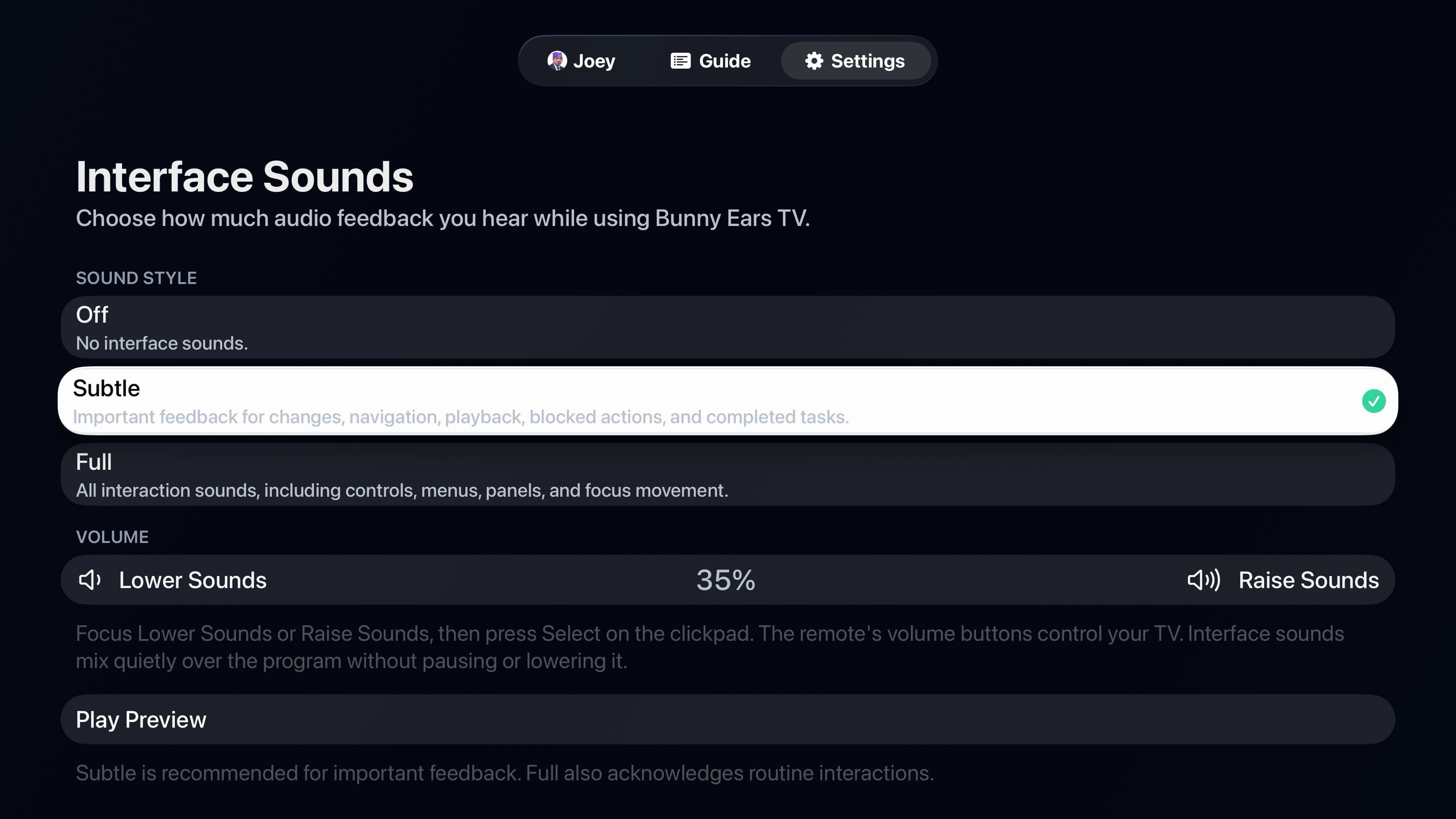
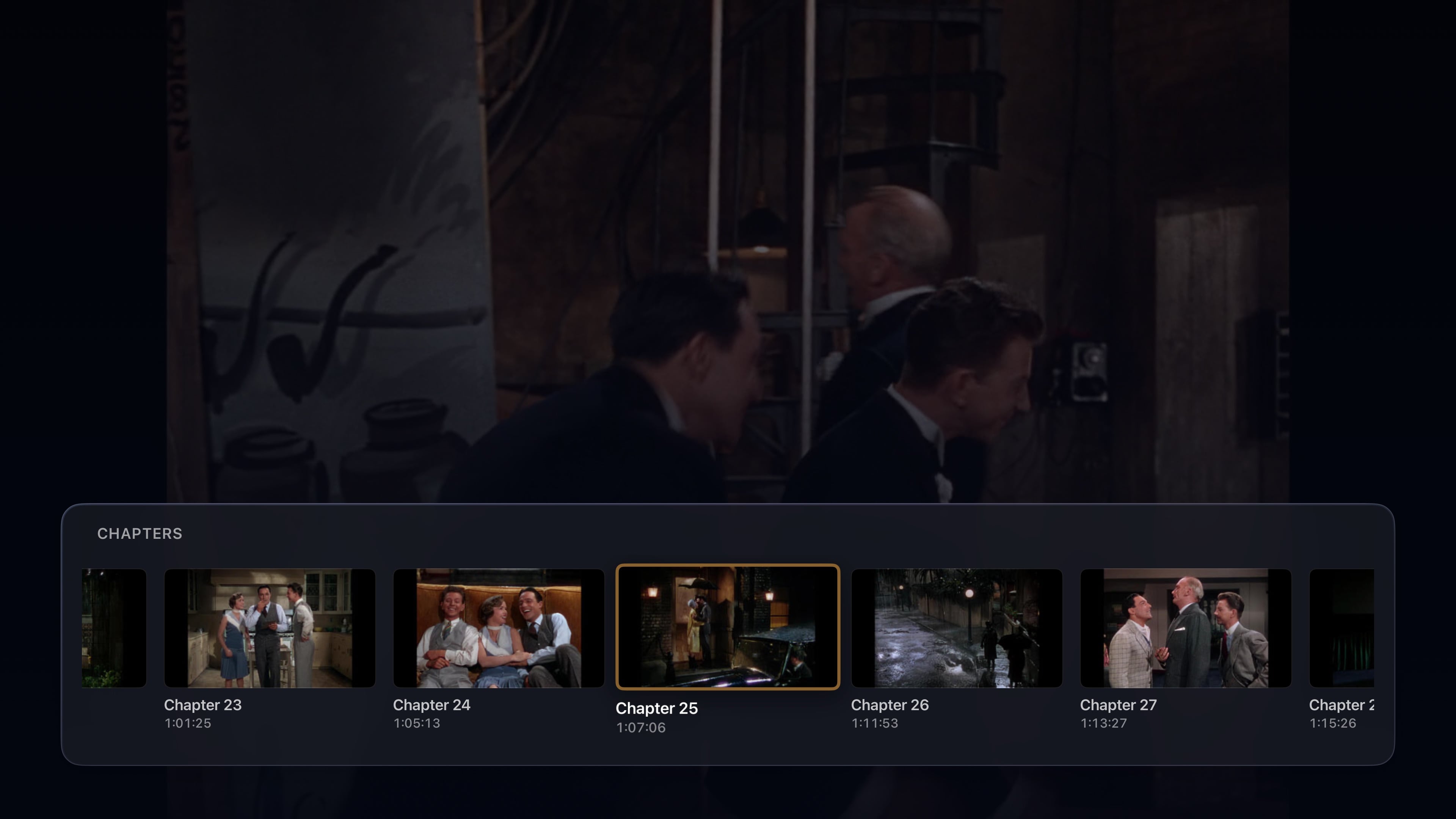
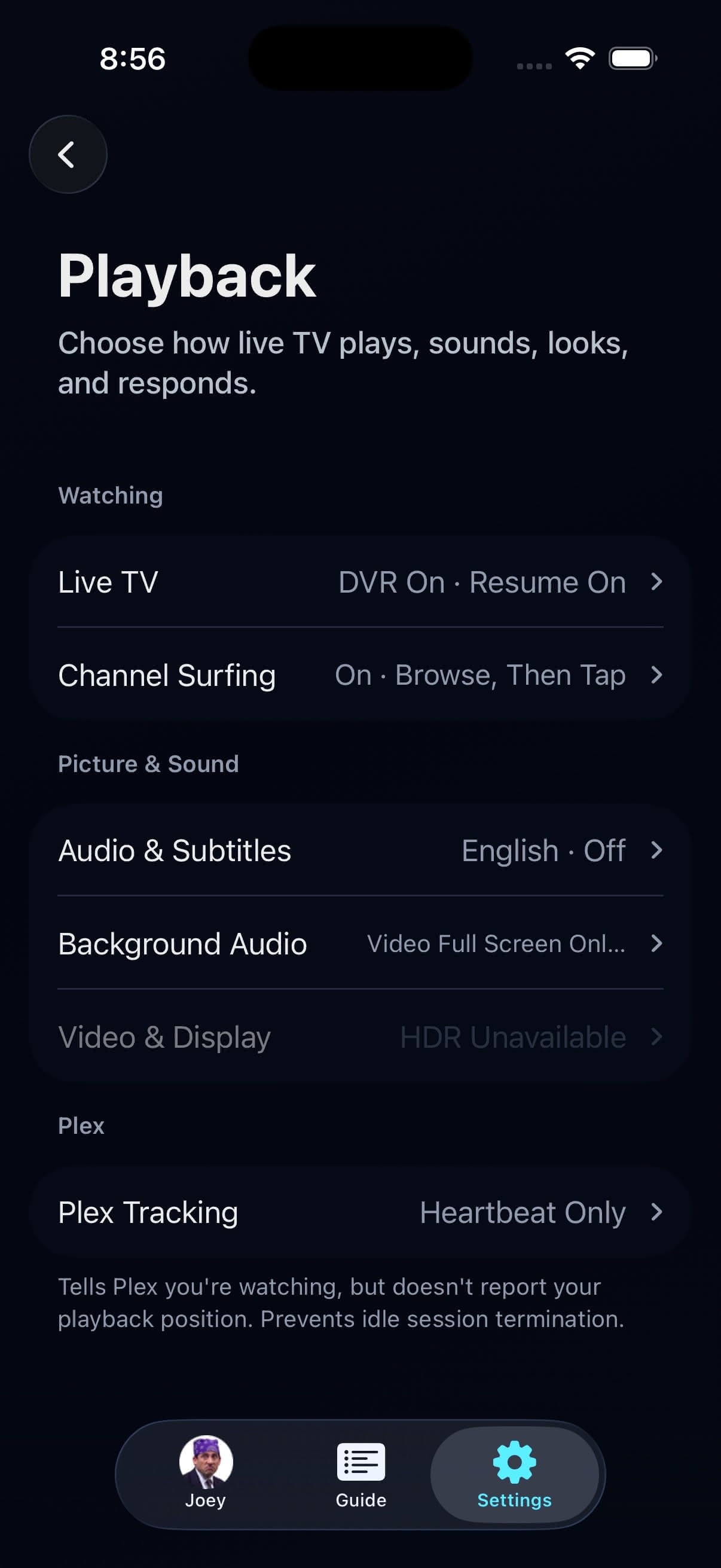
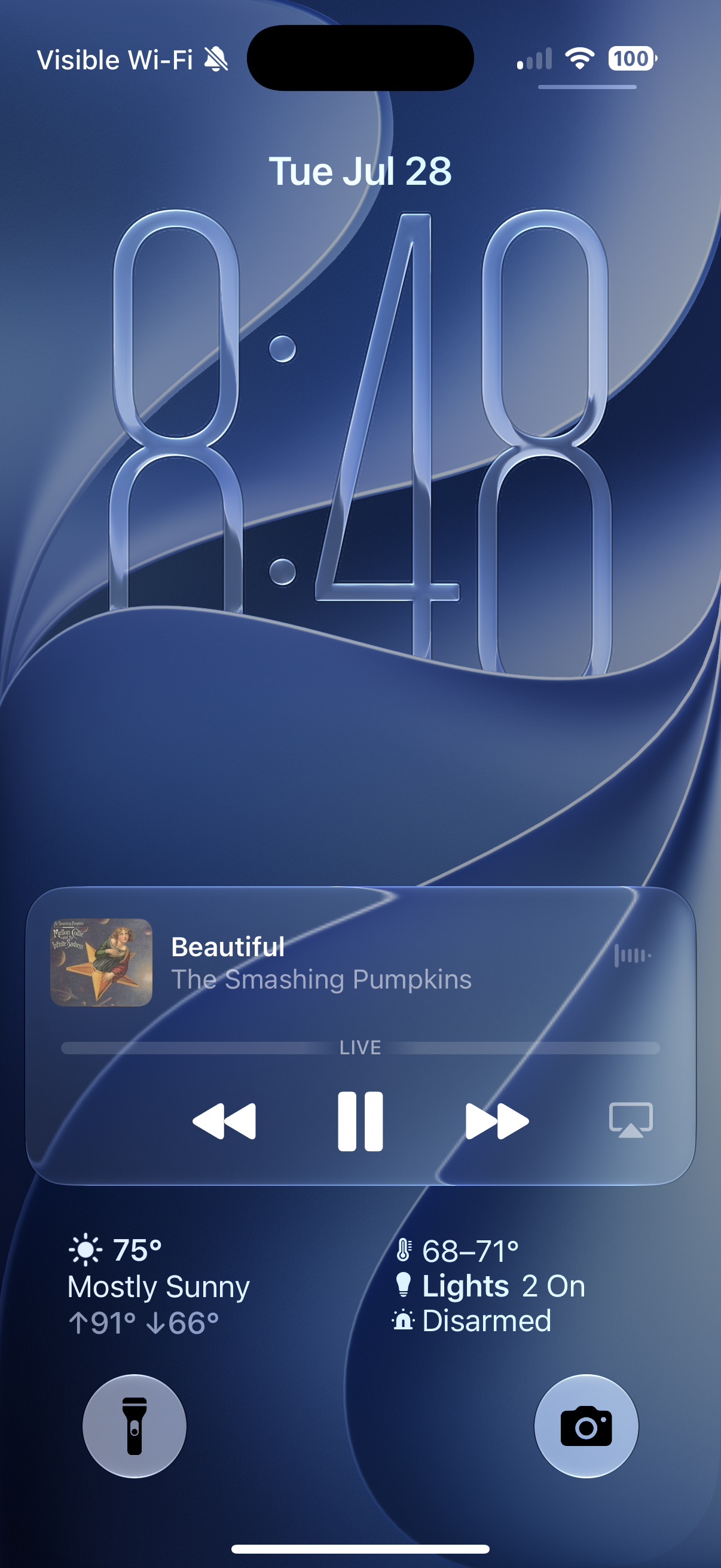
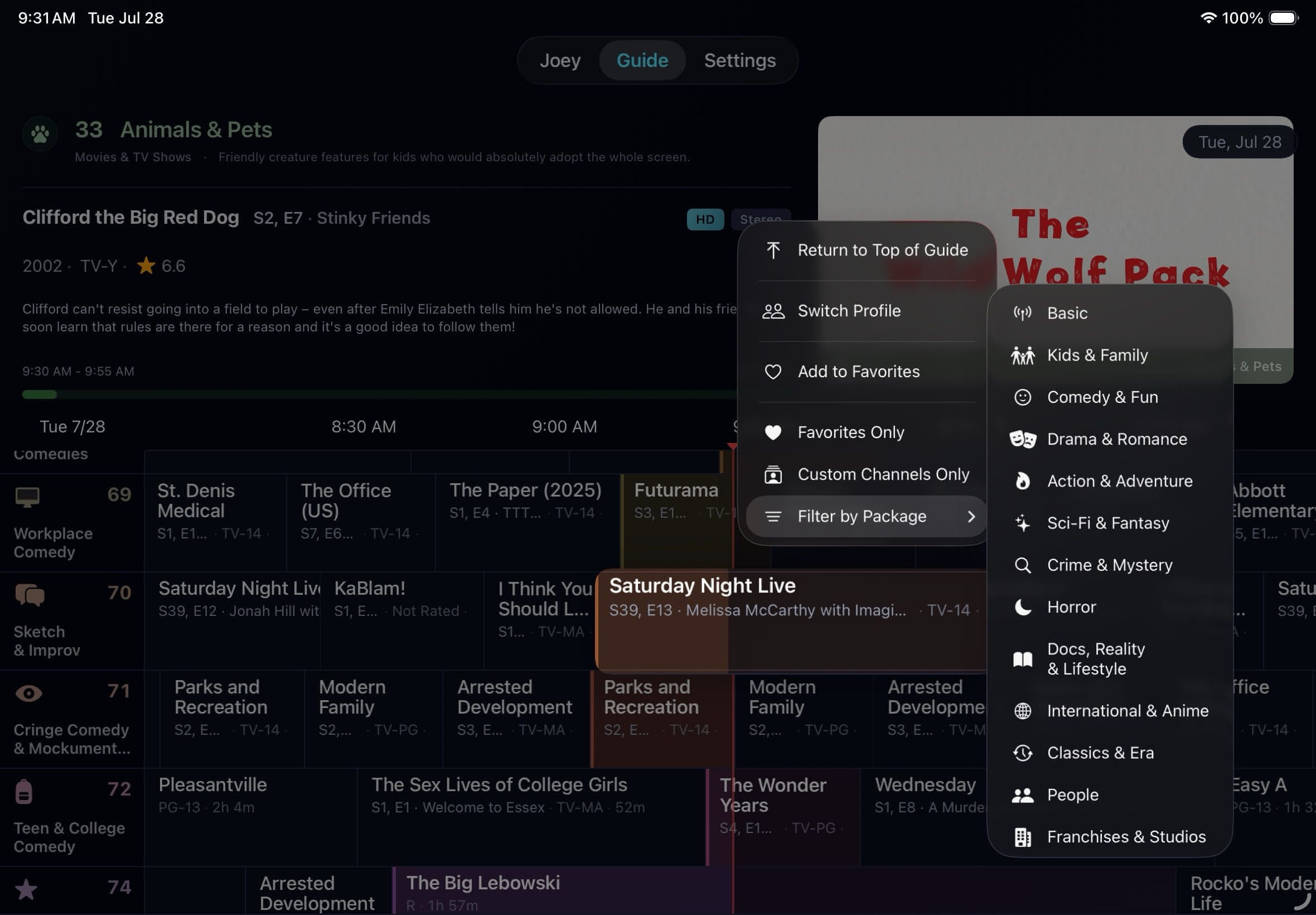
These screenshots show the current product across all three supported platforms. Media shown comes from a user-provided Plex library and is not included with Bunny Ears TV.
Apple TV
Living-room layouts designed for the Siri Remote and a television-scale guide.
iPhone
Portrait guide, profile, playback, listening, and network-quality views.
iPad
Touch-first portrait and landscape views across the guide, player, and settings.
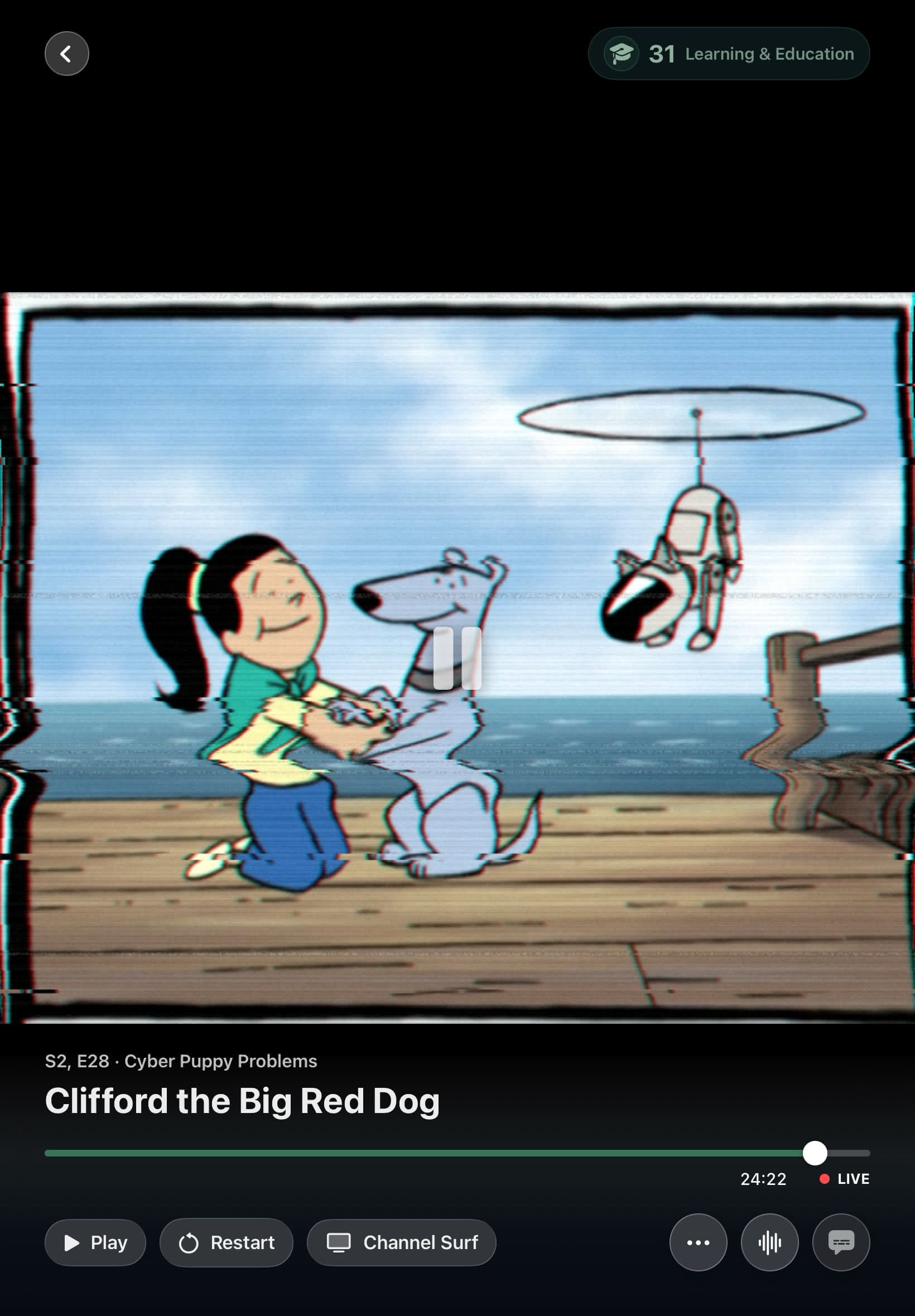

The complete archive includes every current screenshot above, plus the approved logo and app icon files.
Download Complete Press Kit (.zip)The Story
Background for feature stories and profiles.
Bunny Ears TV began with a familiar problem: a full Plex library and another evening spent scrolling through it. The app puts that collection on a schedule, so a viewer can open the guide, see what is already playing, and start watching.
The solo indie project now runs natively on Apple TV, iPhone, and iPad. Its guide combines local classifier assignments with Plex metadata rules. The app does not supply movies, shows, music, or live television feeds. A viewer brings an existing Plex Media Server and chooses which libraries Bunny Ears TV should organize.
Setup does not require a separate Bunny Ears service, Docker container, or IPTV playlist. The viewer links Plex, selects a server and libraries, then watches the initial sync and guide build progress. Playback can Direct Play on a healthy local route or ask Plex for an adaptive transcode when the network or selected quality calls for one.
Media files remain on the selected Plex server. Bunny Ears TV does not use advertising tracking or insert third-party ads. It does communicate with Plex and the Apple services required for enabled features, including iCloud, Weather, and StoreKit, plus privacy-scrubbed diagnostics.
Need current artwork or a review build?
Ask for current device screenshots, product questions, interview availability, or review access.