The official Plex app covers the basic job: find a title and play it. The interesting Apple TV setup starts when you identify what that experience does not cover for you.
Maybe a particular file needs a different player. Maybe you want live broadcasts and recordings. Maybe the real problem is that you keep scrolling past a library you already like.
This is my practical list for those jobs in 2026. One disclosure belongs at the top: I built Bunny Ears TV, so treat that section as a developer explaining where his own app fits, not an independent award.
Prices and product details below were reviewed July 27, 2026. Check the linked official pages before buying because storefronts and subscriptions change.
Plex: The Starting Point
The official Plex app is still the natural first install for browsing and playing a Plex library. It handles account sign-in, server discovery, shared libraries, profiles, watch state, and Plex's own services.
Local playback of personal media can work with a free account. Remote video playback is more complicated than it used to be. Depending on the server owner, account, and platform, Plex may require Plex Pass or a Remote Watch Pass. Read Plex's current remote playback requirements before planning a remote setup.
Use it for: Ordinary on-demand browsing, account features, library administration links, and a baseline playback test.
Cost: The app and local personal-media basics can be free. Plex sells optional subscriptions and services.
Infuse: A Different Playback Engine
Infuse connects to Plex and other media sources, then handles a broad range of formats on the Apple device. It is useful when playback capability matters more than preserving every detail of the official Plex interface.
Firecore's official page lists support for Apple TV, iPhone, iPad, Mac, and Vision Pro, plus connections to Plex, Emby, Jellyfin, network shares, and cloud sources. Its format and audio support are the reason many home-theater users keep it beside Plex.
Do not read “plays more formats” as a promise about every file, receiver, subtitle, or audio path. Test the media that matters in your room.
Use it for: A second playback path, high-bitrate libraries, and formats that trigger unwanted server work in another client.
Current listed price: Infuse Pro is $1.99 monthly, $16.99 yearly, or $99.99 lifetime, with a free tier and a listed trial. See Infuse's official pricing and specifications.
Bunny Ears TV: Channel Surfing From Plex
This is my app, so adjust your trust accordingly.
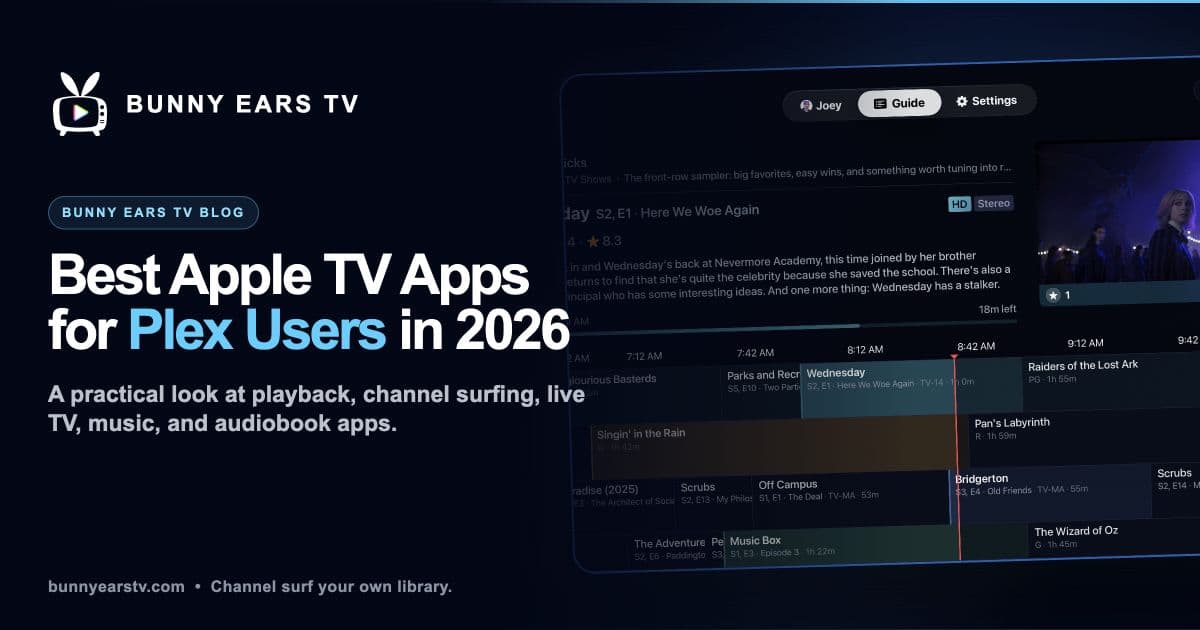
Bunny Ears TV is for the night when you have plenty to watch and do not want to choose from a catalog. It turns selected Plex libraries into scheduled channels with a program guide.
The app is native on Apple TV, iPhone, and iPad. It requires tvOS 26, iOS 26, or iPadOS 26. Apple TV support starts with Apple TV 4K, first generation.
The built-in lineup has more than 400 channels across 17 packages. That total includes 68 Radio stations. Basic contains 26 channels and does not expire.
Beyond the built-in lineup, Plus supports up to 300 custom channels made from a Plex playlist, collection, or selected video library. Channel 19 builds Music Video Mixtapes. Channel 20 presents Apple Weather and can use music from Plex. Channel Surfer, DVR controls, profiles, quality settings, captions, and optional customer-supplied Ad Bumpers cover the rest of the television experience.
Bunny Ears TV does not require Docker, M3U/XMLTV configuration, a tuner, or separate Bunny Ears server software. It still requires Plex sign-in, server and library selection, an initial sync, and a playable route to the Plex server.
Playback may use Direct Play, Direct Stream, or Plex transcoding. The result depends on the media, device, selected quality, and whether the route is local, remote, constrained, or using Plex Relay.
Use it for: A program guide, Plex channel surfing, custom channels, music stations, and background audio on supported mobile devices.
Current US price: 26 Basic channels are free. Plus is $4.99 monthly, $29.99 annually, or $99.99 for lifetime access. Eligible customers can receive a 14-day introductory offer on monthly or annual plans.
See the full feature list, channel guide, or setup guide.
Channels DVR: Live Sources and Whole-Home Recording
Channels DVR runs its own server software and client apps. It is built for a broader television job than a Plex player: live sources, recording, guide data, and viewing across supported devices.
It is a logical fit when an antenna, TV provider source, or whole-home DVR is part of the plan. If you only want scheduled discovery from a Plex library, decide whether running another server is worth the extra scope.
Use it for: Live television sources, recording, and a dedicated whole-home TV system.
Current listed price: $8 monthly or $80 yearly, with the first month listed free. See Channels' official subscription page.
Plexamp: Music From the Same Server
Plexamp is Plex's focused music app. It is most useful on iPhone or iPad as a companion to an Apple TV setup, especially if the server holds a serious music collection.
Basic music playback is available without Plex Pass, while premium music features vary by subscription. Plex maintains the distinction on its Free vs Paid page.
Bunny Ears TV Radio and Plexamp solve different problems. Radio supplies a scheduled station you can leave on. Plexamp is better when you want to browse an album, build a queue, or explore the collection deliberately.
Prologue: Audiobooks From Plex
Prologue is an iPhone and iPad companion app for audiobook libraries stored in Plex. It adds audiobook-specific position, chapter, speed, sleep-timer, and download controls that do not belong in a television player.
It is not an Apple TV app, but it earns a place in a Plex household because it makes a specialized library useful away from the television. Check its current App Store listing for supported systems and pricing.
Hardware Notes That Prevent Bad Advice
Not every Apple TV 4K configuration has Ethernet. If wired networking matters, confirm that the model you are buying includes it.
A wired route can help high-bitrate local playback, but it cannot fix a slow remote upload, overloaded server, unsupported stream, or Plex Relay limit. Test the actual file and route before blaming the player.
Likewise, “Direct Play” is not a permanent property of a server. It is a decision made for a particular media item, client, output setup, quality choice, and connection.
The Setup I Use as a Mental Model
Give each app one job:
- Plex for ordinary on-demand browsing
- Infuse when a different playback engine helps
- Bunny Ears TV when choosing is the problem
- Channels DVR when live sources and recording are the problem
- Plexamp or Prologue for a specialized mobile library
You may need only one of them. The right list is not the longest list. It is the one that removes a specific annoyance from the way you already watch.