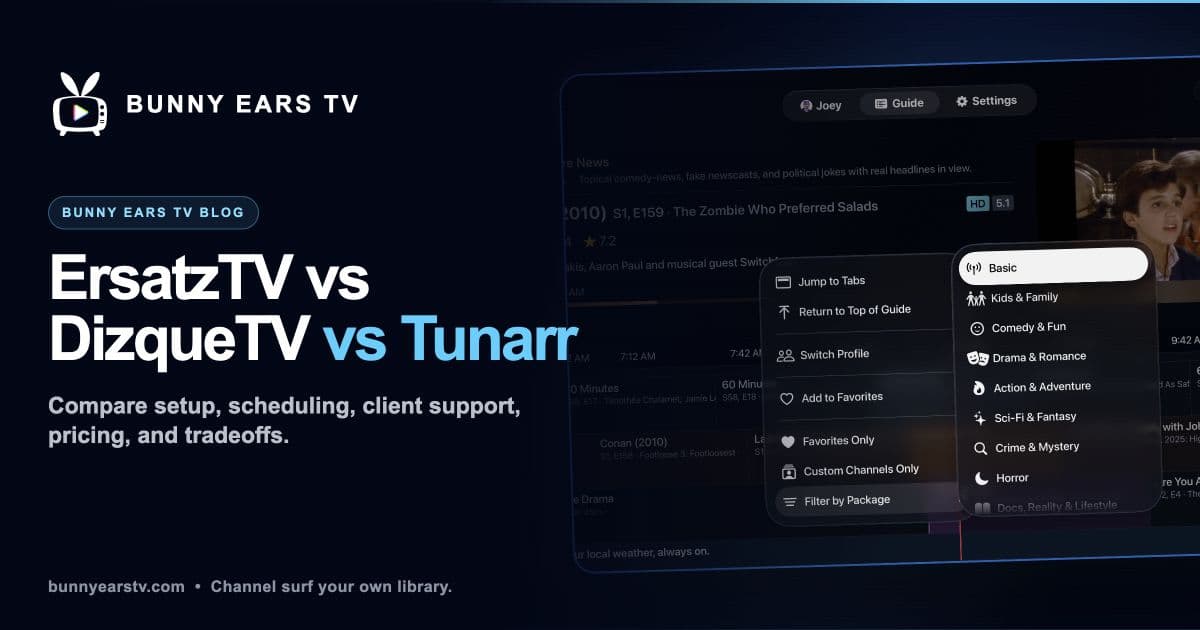
ErsatzTV, DizqueTV, Tunarr, Channels DVR, and Bunny Ears TV can all make a personal media library feel more like scheduled television. They do not solve the problem the same way.
Some run as services and produce IPTV streams. One is part of a larger paid DVR system. Bunny Ears TV is a native Apple client connected to Plex.
I built Bunny Ears TV. That makes me a useful source for its details and a biased source for the final choice. This comparison sticks to visible differences and links to official project pages so you can check the claims yourself.
All linked product facts and prices were reviewed July 27, 2026.
The Short Answer
Choose a self-hosted tool when detailed schedules, broad client compatibility, and control over the output stream matter most.
Choose Bunny Ears TV when you already use Plex on Apple TV, iPhone, or iPad and want a built-in lineup plus custom channels without adding another server process or IPTV configuration.
Choose Channels DVR when live sources and whole-home recording are part of the job.
That is the decision. The sections below explain the costs and compromises behind it.
ErsatzTV Legacy
The official project now calls its established all-in-one product ErsatzTV Legacy. It combines media-library integration, collections, schedules, channels, FFmpeg profiles, and IPTV-style output.
“Legacy” does not mean that it stopped working. Its documentation says security updates will continue, while the separate ErsatzTV Next project explores a more modular architecture.
ErsatzTV Legacy supports detailed playout control. You can create schedules, place collections and filler, choose playback order, and control streaming profiles. That depth is the reason to choose it.
Docker is available, but it is not the only install method. The official ErsatzTV installation guide lists Docker images and prebuilt packages for Windows, macOS, and Linux.
Good fit: You want to decide not only what belongs on a channel, but how and when it airs.
Tradeoff: You operate another service and configure the client that consumes its channel output.
Cost: Free and open source.
DizqueTV
DizqueTV appears in years of Plex virtual-channel tutorials and still has an official repository and setup material. It runs as a self-hosted service, builds channels, and exposes streams and guide data for compatible clients.
The age of a tutorial matters here. Before following one, compare it with the project's current repository, releases, and issues. Do not assume an old Docker tag, FFmpeg setting, or Plex DVR workaround still describes a safe current install.
Start with the official DizqueTV repository, then decide whether the existing workflow is the one you want to maintain.
Good fit: You already run DizqueTV successfully or need compatibility with an established DizqueTV workflow.
Tradeoff: Much of the search material is old, so current project evidence matters more than a familiar tutorial.
Cost: Free and open source.
Tunarr
Tunarr is a self-hosted channel system with Plex, Jellyfin, and Emby integrations, channel scheduling, transcoding controls, and IPTV output.
Like ErsatzTV, it is not Docker-only. The official Tunarr installation guide lists a Docker image and standalone binaries. Its current interface and development path make it worth evaluating directly rather than treating it as a footnote to DizqueTV.
Good fit: You want a current self-hosted interface and IPTV output while retaining control over channel programming.
Tradeoff: You still operate the service, choose streaming settings, and configure a compatible client.
Cost: Free and open source.
Channels DVR
Channels DVR is a commercial whole-home television system. It runs a Channels DVR Server and supports client apps across Apple and non-Apple platforms. Live sources, recording, guide data, and personal media are part of the same larger product.
That scope can be valuable if you use an antenna, network tuner, or supported television provider. It can also be more infrastructure than necessary when the only goal is channel surfing a Plex library.
The official Channels subscription page lists $8 monthly or $80 yearly, with a first month free, as reviewed July 27, 2026.
Good fit: Live television and whole-home DVR are central requirements.
Tradeoff: It adds its own server and an ongoing subscription.
Bunny Ears TV
Bunny Ears TV runs natively on Apple TV, iPhone, and iPad. It connects to the Plex server and libraries you choose. It does not require a separate Bunny Ears server, Docker, M3U playlist, XMLTV file, or tuner emulation.
The built-in lineup contains more than 400 channels across 17 packages. The total includes 68 Radio stations. The free Basic package contains 26 channels and does not expire.
Plus also supports up to 300 custom channels from a Plex playlist, collection, or selected video library. You choose the name, number order, icon, color, shuffle or ordered playback, and television episode-block behavior.
The limit is important: Bunny Ears TV does not offer the same granular server-side time-block scheduling as ErsatzTV. It favors a built-in guide and source-based custom channels over constructing every daypart by hand.
The app also includes:
- A guide with up to four hours of recent programming and 28 hours ahead
- Channel Surfer with browse-then-confirm behavior by default
- DVR controls for eligible video channels
- Music Video Mixtapes on channel 19
- Apple Weather on channel 20
- Plex Home profiles and PIN entry
- Separate video and audio quality controls
- Background audio and Now Playing support on iPhone and iPad
- Optional Ad Bumpers made only from the customer's own Plex sources
Playback can use Direct Play, Direct Stream, or Plex transcoding depending on the route, media, device, and quality choice. Bunny Ears TV is not a promise that every item will Direct Play.
Good fit: You use supported Apple devices, already have Plex, and want the guide to appear without building an IPTV stack.
Tradeoff: No Roku, Fire TV, Android TV, smart-TV, or browser client, and less granular schedule construction than a server tool.
Requirements: Apple TV 4K first generation or newer with tvOS 26, or a compatible iPhone/iPad with iOS 26 or iPadOS 26. A Plex server, Plex account, selected libraries, and a usable network route are still required.
Current US cost: 26 Basic channels free. Plus costs $4.99 monthly, $29.99 annually, or $99.99 for lifetime access. Eligible customers can receive a 14-day introductory offer on monthly or annual plans.
See Bunny Ears TV features, the channel guide, and the setup guide.
Side-by-Side Comparison
| Question | ErsatzTV Legacy | DizqueTV | Tunarr | Channels DVR | Bunny Ears TV |
|---|---|---|---|---|---|
| Where it runs | Self-hosted service | Self-hosted service | Self-hosted service | Channels DVR Server | Native Apple client |
| Documented install model | Docker or native packages | Repository and self-hosted releases | Docker or standalone binaries | Native server packages, with Docker also documented | App Store install |
| Viewing model | IPTV-compatible client | IPTV-compatible client | IPTV-compatible client | Channels client apps | Bunny Ears TV on Apple TV, iPhone, iPad |
| Detailed time-block scheduling | Strong | Available | Available | Available within the Channels system | Not the focus |
| Source-based custom channels | Yes | Yes | Yes | Yes | Yes, up to 300 |
| Ready-made Plex lineup | Build your own | Build your own | Build your own | Build your own | More than 400 built in, including 68 Radio stations |
| Separate service to run | Yes | Yes | Yes | Yes | No additional Bunny Ears service |
| Current cost | Free | Free | Free | $8 monthly or $80 yearly | 26 free; Plus from $4.99 monthly |
| Non-Apple TV clients | Depends on IPTV client | Depends on IPTV client | Depends on IPTV client | Yes | No |
This table describes architecture, not quality. Playback reliability still depends on configuration, media, network, transcoding, and the client at the other end.
Plex Pass and Remote Playback
Do not use “no Plex Pass required” without context.
Local personal-media playback can work with a free Plex account. Plex now applies paid requirements to remote video playback in some situations. A server owner's Plex Pass, a viewer's Plex Pass, or a Remote Watch Pass may satisfy the rule depending on the account and server.
Read Plex's official remote playback requirements, last modified April 10, 2026.
Server tools can also introduce their own client or Plex DVR requirements. Check the exact output path you plan to use rather than assuming every IPTV client behaves alike.
Which One Fits?
Pick ErsatzTV Legacy when detailed schedules and playout rules are the point.
Evaluate Tunarr when you want a current self-hosted channel interface with Docker or standalone installation choices.
Keep DizqueTV when it already serves your setup well, but verify current project information before beginning a new install from an old guide.
Choose Channels DVR when the same system needs to manage live television and recordings.
Try Bunny Ears TV when you use Apple devices, want something already scheduled, and prefer to start with 26 free channels before deciding whether the full built-in lineup and custom-channel tools are worth paying for.
You can also use more than one. The useful question is not which logo wins. It is whether you want to program a station, subscribe to a television system, or turn on a guide and see what your library is already playing.