Browse first
The previous, current, and next channels stay visible in a compact stack. Nothing retunes until you confirm your choice in the default mode.
Full-screen channel surfing
Changing channels should not mean backing out to a wall of posters. Channel Surfer puts a compact mini guide over full-screen playback so you can look around while the current program keeps going.
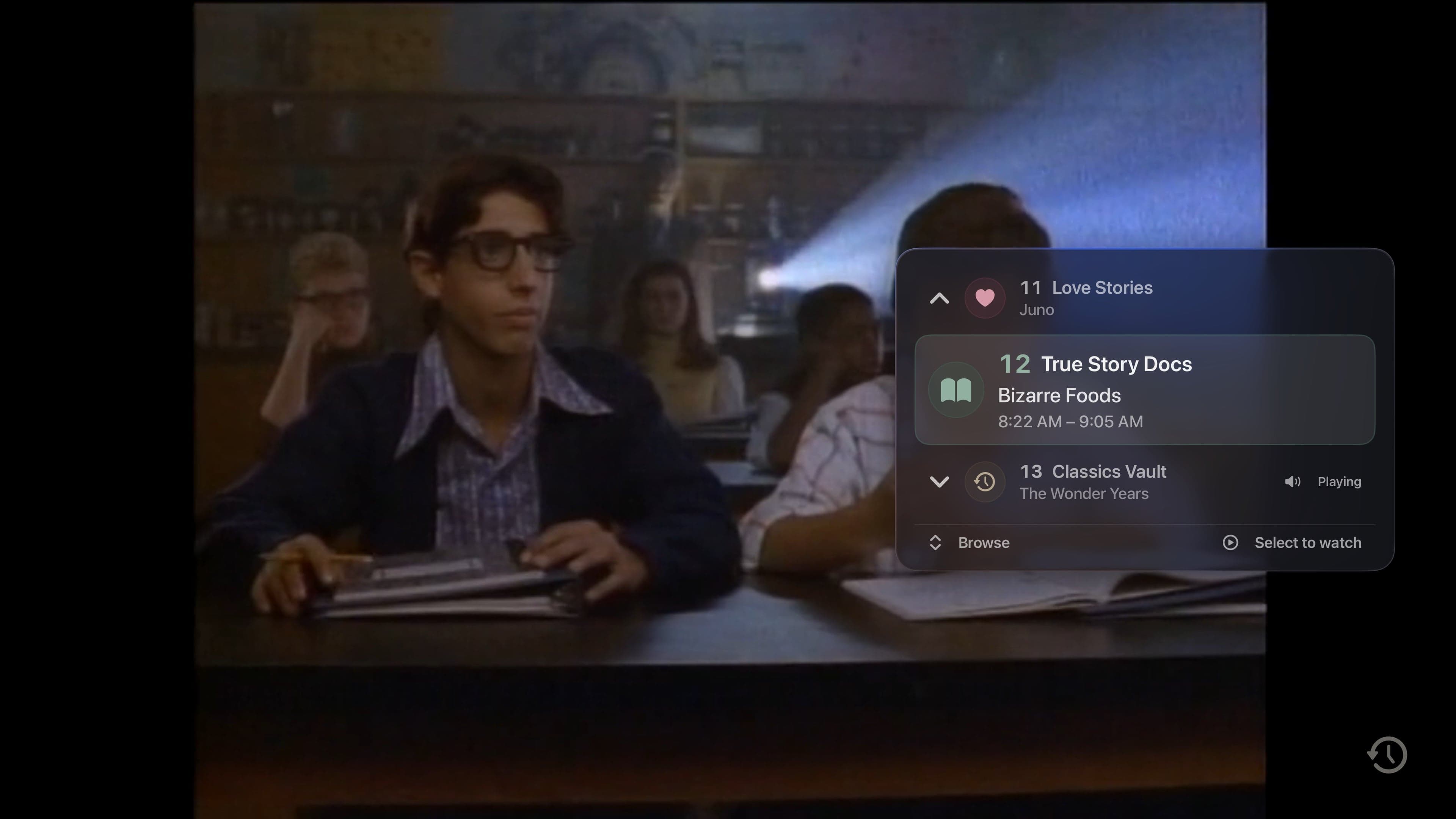
The previous, current, and next channels stay visible in a compact stack. Nothing retunes until you confirm your choice in the default mode.
Prefer the old-school flip-through rhythm? Turn on Tune While Browsing and each highlighted channel becomes the active channel.
Use the Siri Remote on Apple TV or touch controls on iPhone and iPad. Apple TV can follow standard or guide-order channel direction.
In the app
Signal 01
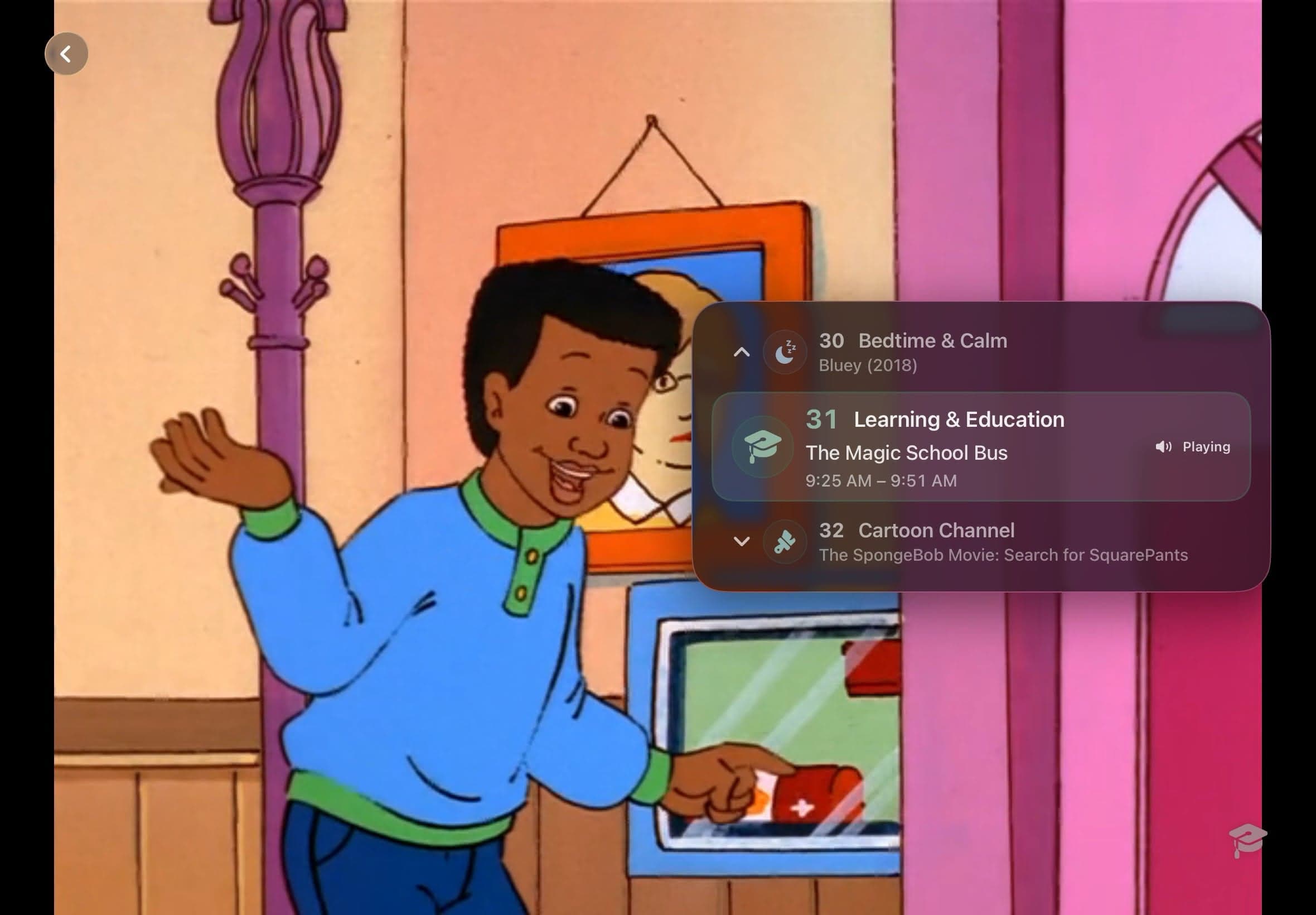
The full program guide is the place to browse a whole evening. Channel Surfer is for the smaller question: what is on next door? Open it over a playing channel and scan nearby choices without losing the current scene.
By default, moving the highlight only browses. Select on Apple TV or tap Watch on iPhone and iPad when a channel earns the switch. A first-use hint explains the behavior, and the setting can be changed or disabled later.
Signal 02
On Apple TV, Up or Down opens Channel Surfer and the Siri Remote handles the rest. iPhone and iPad provide touch and visible-control equivalents, with gestures that follow the order shown in the guide.
The result is a distinct way to channel surf a Plex library. You can stay with the current program long enough to make a choice instead of bouncing through loading screens.
Good to know
Channel Surfer moves through the eligible lineup for the active profile and guide filter. It does not add content that is missing from your Plex libraries.
Quick answers
Not by default. It keeps the current channel playing until you select a destination. Tune While Browsing changes that behavior.
Yes. Disable it in Playback settings if you prefer direct channel changes.
Keep looking
A personal library becomes television when the clock matters. Bunny Ears TV schedules eligible movies, shows, music, custom stations, and utility channels into a guide that is already moving when you arrive.
HOLDA large lineup needs shortcuts. Press and hold Select in the Apple TV guide, or long-press a channel on iPhone and iPad, to open the Quick Menu without climbing back through the interface.
FXThe screen between channels matters. Bunny Ears TV treats static, pause effects, and interface sound as useful feedback first, then gives them enough throwback character to make the app feel like television.
The 26-channel Basic package is free forever. Bunny Ears TV+ adds more channels, more features, and more fun. Download the app to start watching.