Direct Play
Compatible files can play without a server-side transcode on a healthy local route.
Playback that respects the route
A healthy local network should not be punished for what might happen on cellular. Bunny Ears TV keeps verified local Wi-Fi and Ethernet on Direct Play when possible, then uses Plex delivery options when the media or route needs help.
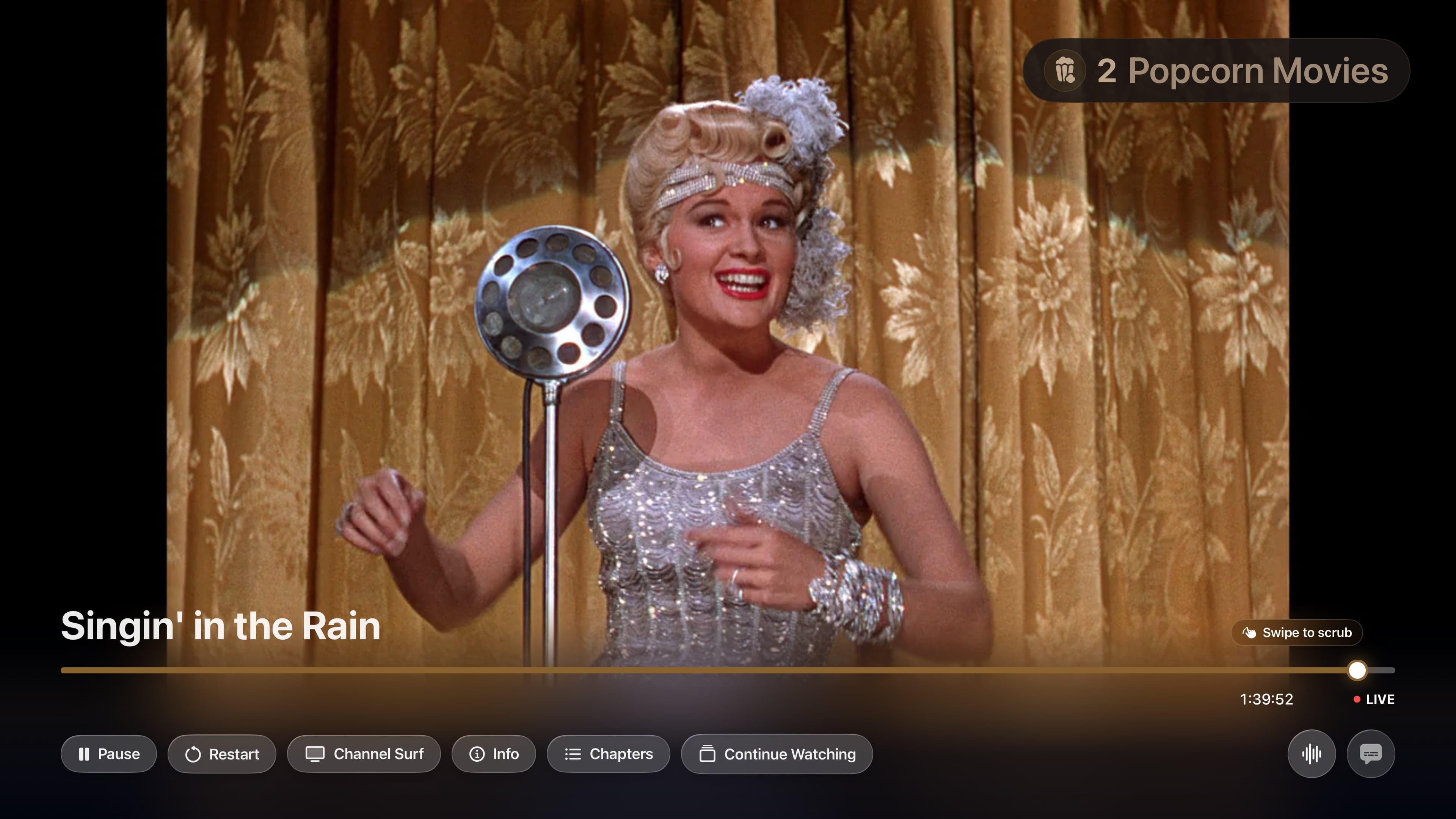
Compatible files can play without a server-side transcode on a healthy local route.
Plex can repackage compatible streams when the container, not the media itself, needs adjustment.
Remote, Relay, cellular, constrained, hotspot, or slow routes can use a capped Plex transcode when Auto has evidence that it is needed.
How Auto works
The player does not show Direct Play, Direct Stream, or transcode as a status badge. This diagram describes the inputs and possible Plex delivery paths. The screenshots below show the quality controls available in the app.
Playback path
Direct Play
Compatible file and a healthy route
Direct Stream
Compatible streams need a different container
Plex transcode
The format or available bandwidth needs help
In the app


Signal 01
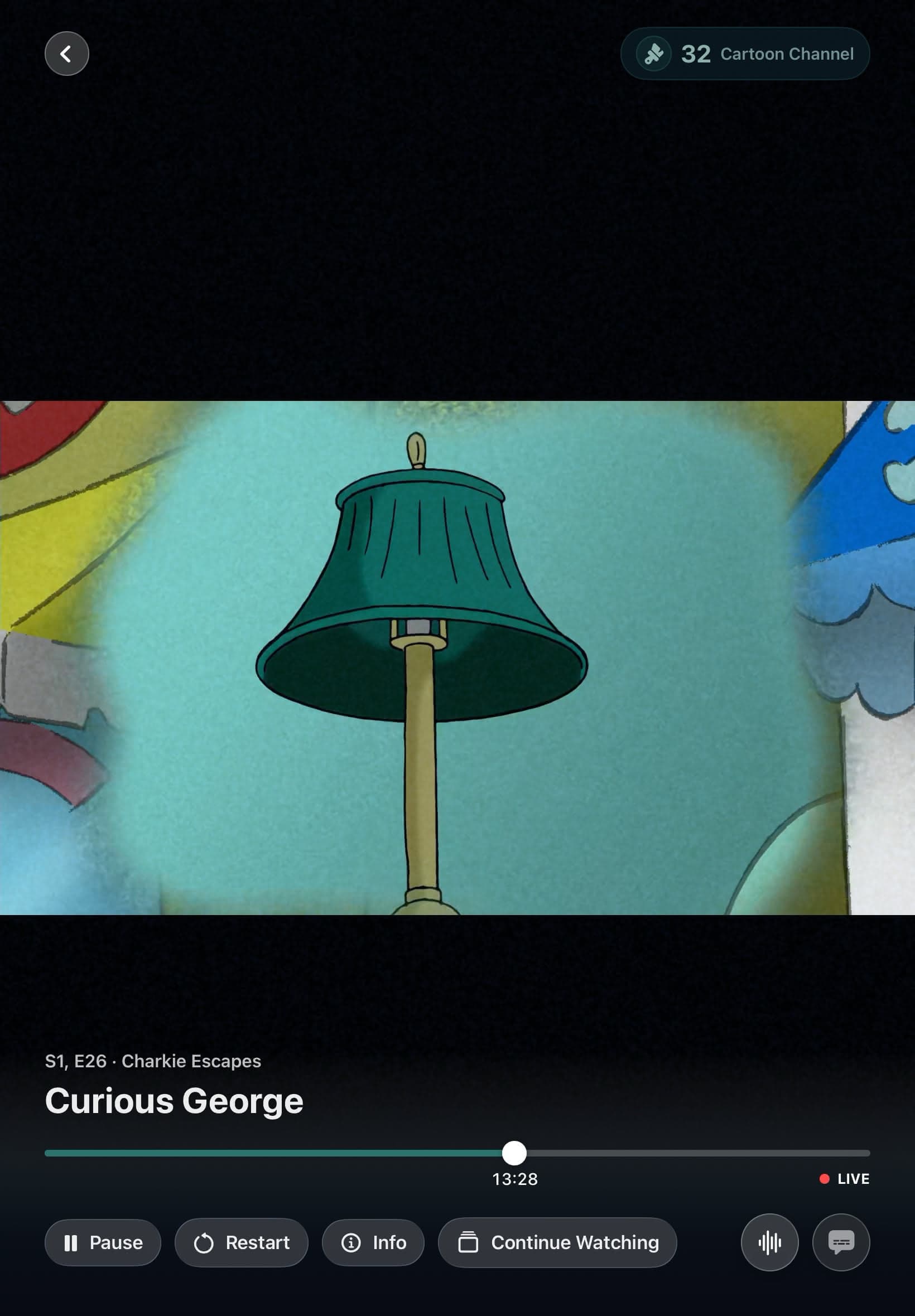
Video and Audio quality are separate and stored on the device. Apple TV has Wi-Fi and Ethernet profiles. iPhone and iPad add Cellular and 5G Cellular profiles, which makes it possible to protect data use without lowering quality at home.
Auto can take a small, cancellable sample through the exact selected Plex connection. The sample runs in the background, informs a later channel change, and does not interrupt a working stream. A confirmed sustained stall on an eligible non-local route can step quality down within a bounded recovery policy.
Signal 02
No client can promise Direct Play for every file. Codec support, subtitle choices, audio format, container, selected quality, network path, Plex Relay status, and server capabilities all affect delivery.
Bunny Ears TV exposes Auto, Original Quality, and fixed bitrate choices instead of hiding those decisions. Explicit limits remain explicit, and quality changes can apply to the active stream without forcing the player banner open.
Good to know
Remote playback depends on the selected Plex server, account access, route availability, and server capability. Bunny Ears TV cannot create remote access that Plex has not made available.
Quick answers
No. It supports Direct Play, Direct Stream, and Plex transcodes. The right path depends on the media, route, device, server, and chosen quality.
Yes. iPhone and iPad keep separate Wi-Fi, Cellular, and 5G Cellular quality profiles for Video and Audio.
Keep looking
I built Hopper for a harder playback rhythm: start a scheduled program in the middle, jump to a very different file seconds later, seek, restart, reach EOF, and leave the next channel a clean start. It is coming in the next Bunny Ears TV beta.
3XThe same Bunny Ears TV guide and channel lineup belongs on the big screen and in your hand. Apple TV, iPhone, and iPad each get a native interface built around the controls and space of that device.
EPGA personal library becomes television when the clock matters. Bunny Ears TV schedules eligible movies, shows, music, custom stations, and utility channels into a guide that is already moving when you arrive.
The 26-channel Basic package is free forever. Bunny Ears TV+ adds more channels, more features, and more fun. Download the app to start watching.