Apple TV
A television-scale guide, Siri Remote navigation, full-screen channel surfing, display controls, Radio, and Weather.
One lineup across your Apple devices
The same Bunny Ears TV guide and channel lineup belongs on the big screen and in your hand. Apple TV, iPhone, and iPad each get a native interface built around the controls and space of that device.
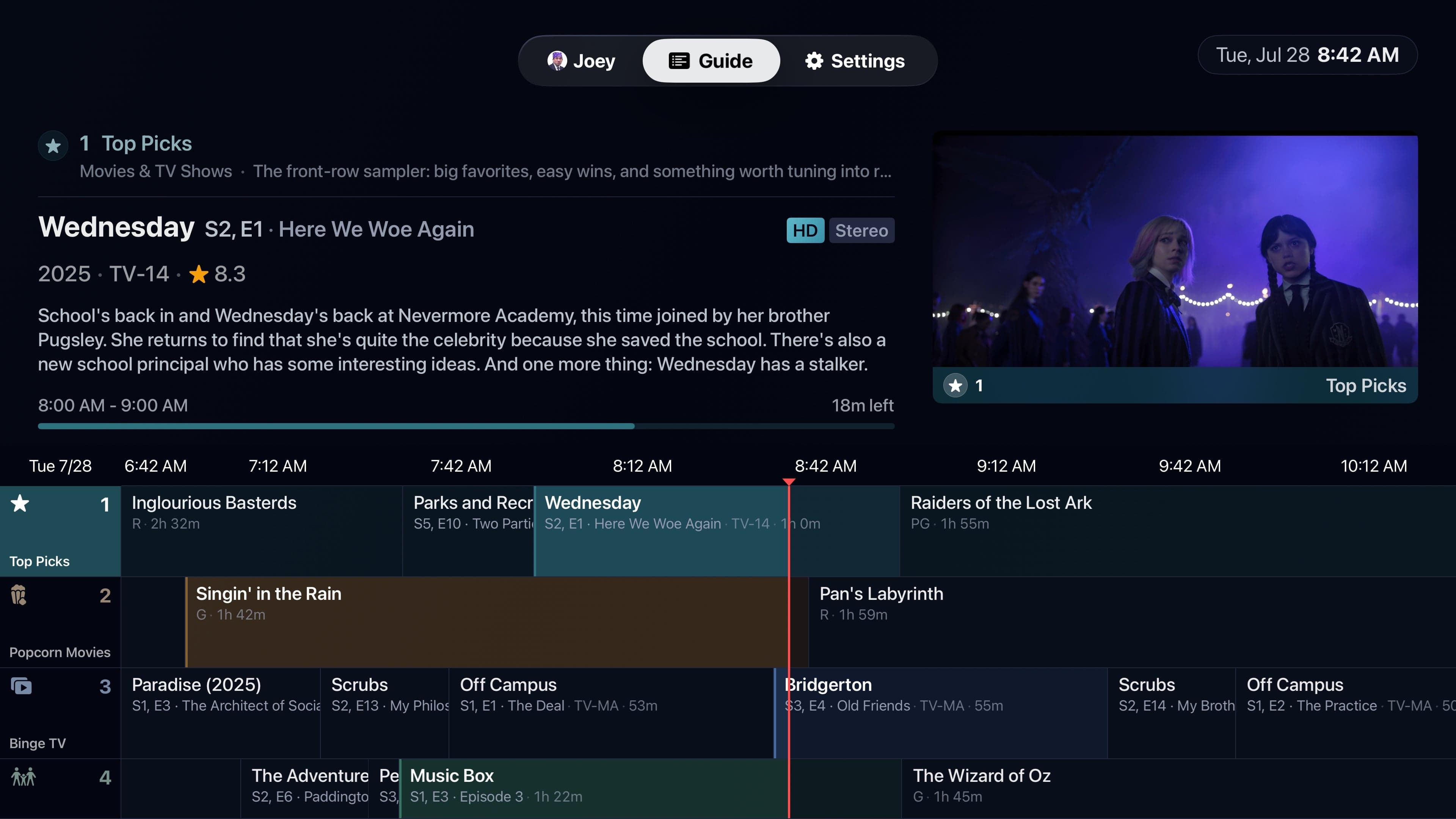
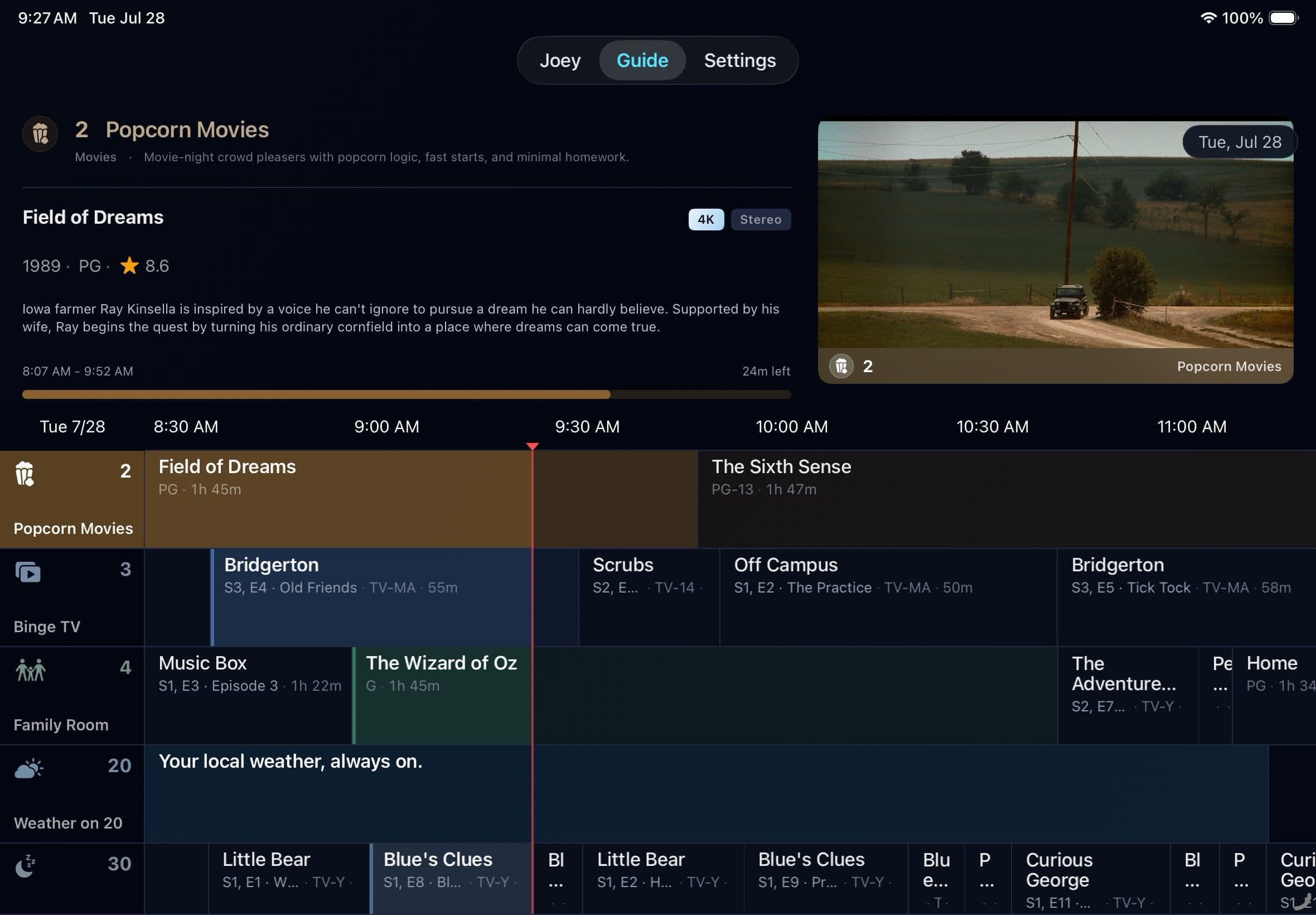
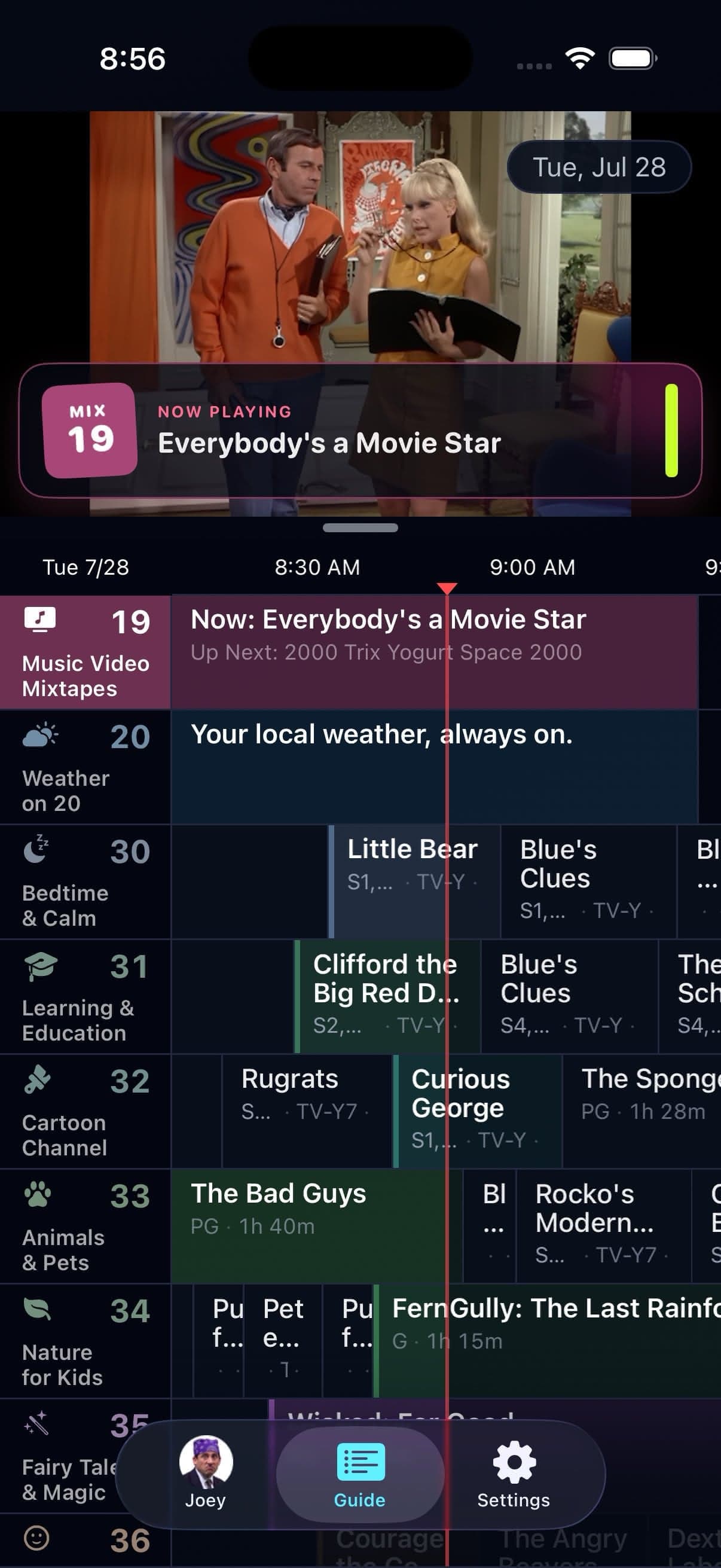
Apple TV, iPhone, and iPad
Native layouts built for the screen and controls in front of you.
A television-scale guide, Siri Remote navigation, full-screen channel surfing, display controls, Radio, and Weather.
Portrait and landscape layouts, touch controls, cellular quality profiles, background audio, and system Now Playing controls.
The full mobile feature set with more room for the guide, forms, player controls, and profile selection.
Signal 01
Guide settings, packages, favorites, custom channels, Bumper Groups, and eligible guide state can sync through iCloud. Network quality, background-audio policy, Weather location, active profile, and display choices stay local because a phone on cellular should not inherit the living-room television's assumptions.
A Plex server shared to the signed-in account can be selected like another available server. That makes it practical to help a relative set up Bunny Ears TV, put a protected profile on a child's iPad, or use your own library from your phone. One selected server powers each setup at a time.
Signal 02
Apple TV uses the focus engine, clickpad, and television-scale panels. iPhone and iPad provide touch equivalents for essential guide, playback, settings, profile, custom-channel, and Bumper actions.
VoiceOver equivalents are available across the supported platforms. iPhone and iPad add portrait and landscape operation, while iPad uses its larger canvas for a roomier program guide.
Good to know
The Apple TV, iPhone, and iPad interfaces share the same channel lineup while keeping device-specific network, display, Weather, and background-audio choices local.
Quick answers
Yes, when that server is available to the Plex account on each device. Each setup selects one server at a time.
No. Household programming can sync, while network, display, Weather location, background audio, and the active profile stay device-local.
Keep looking
Radio should not stop because you locked your iPhone. Bunny Ears TV lets eligible audio continue in the background and through the active audio route, including connected car audio.
PINA shared program guide should not look the same for every person in the house. Bunny Ears TV recognizes Plex Home profiles, supports four-digit PINs, and derives an age-appropriate view from the shared guide.
AUTOA healthy local network should not be punished for what might happen on cellular. Bunny Ears TV keeps verified local Wi-Fi and Ethernet on Direct Play when possible, then uses Plex delivery options when the media or route needs help.
The 26-channel Basic package is free forever. Bunny Ears TV+ adds more channels, more features, and more fun. Download the app to start watching.