Separate policies
Choose Always, Full Screen Only, or Off independently for video channels, channel 19, and Radio.
Keep listening on iPhone and iPad
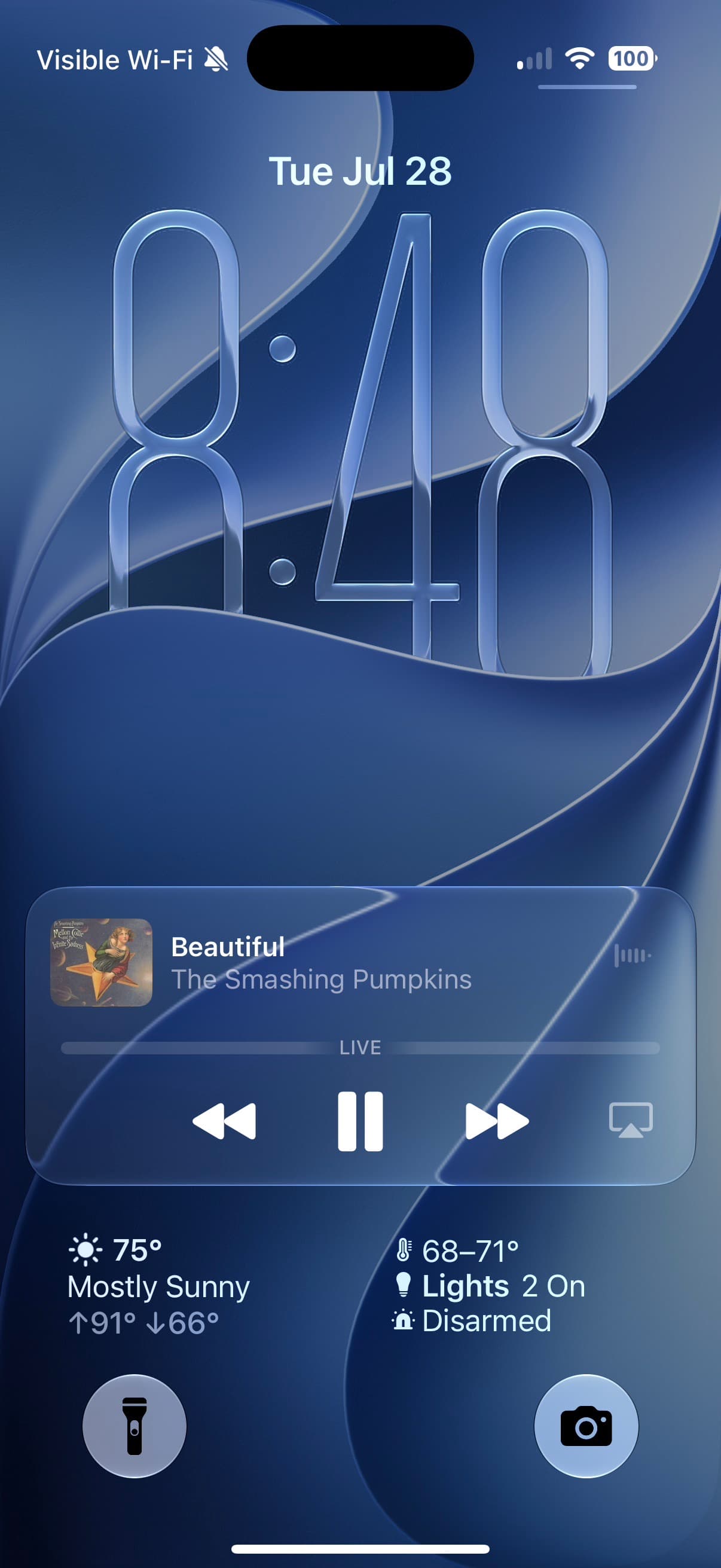
Radio should not stop because you locked your iPhone. Bunny Ears TV lets eligible audio continue in the background and through the active audio route, including connected car audio.
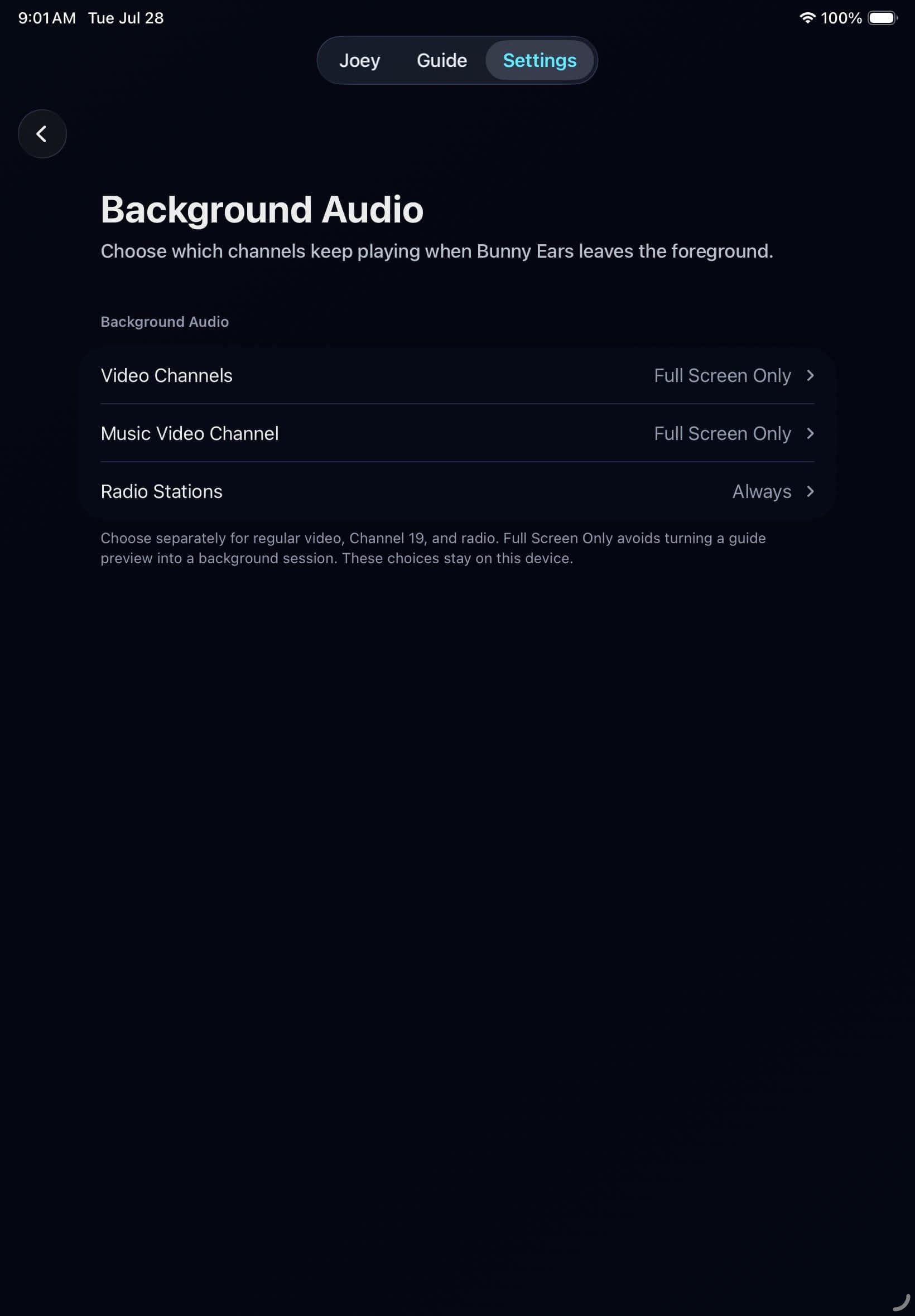
Choose Always, Full Screen Only, or Off independently for video channels, channel 19, and Radio.
Artwork and playback controls can appear on the Lock Screen, in Control Center, through AirPlay, and on hardware media buttons.
Radio defaults to Always, so an album-art station can keep playing while the screen is off or another app is open.
In the app
Signal 01
Start a Radio station, Music Video Mixtape, Weather soundtrack, or eligible video channel on iPhone or iPad. When its Background Audio policy allows it, the audio can continue after the app leaves the foreground.
That includes listening through the device's current output, such as headphones, a speaker, AirPlay, or a connected car audio route. Bunny Ears TV publishes the current program or track to the system's Now Playing surfaces so basic controls stay close by.
Signal 02
A movie continuing behind every app would be useful for some people and surprising for others. That is why regular video channels, channel 19, and Radio have separate policies. Always permits eligible background playback, Full Screen Only requires that the session began in full screen, and Off stops it.
Apple TV stops playback when Bunny Ears TV leaves the foreground. This feature is for iPhone and iPad, and it does not add a separate CarPlay screen.
Good to know
Background playback depends on the active device route and media session. Bunny Ears TV is not a standalone CarPlay app.
Quick answers
Yes, through the iPhone or iPad's active connected car audio route. The app does not provide a separate CarPlay interface.
Yes when the Video Channels policy and current session allow it. Radio, channel 19, and regular video each have their own setting.
Keep looking
The same Bunny Ears TV guide and channel lineup belongs on the big screen and in your hand. Apple TV, iPhone, and iPad each get a native interface built around the controls and space of that device.
AUTOA healthy local network should not be punished for what might happen on cellular. Bunny Ears TV keeps verified local Wi-Fi and Ethernet on Direct Play when possible, then uses Plex delivery options when the media or route needs help.
19Music Video Mixtapes turns the videos already on your Plex server into a personal channel 19. Pick the sources, balance the mix, and let the next video arrive without another decision.
The 26-channel Basic package is free forever. Bunny Ears TV+ adds more channels, more features, and more fun. Download the app to start watching.